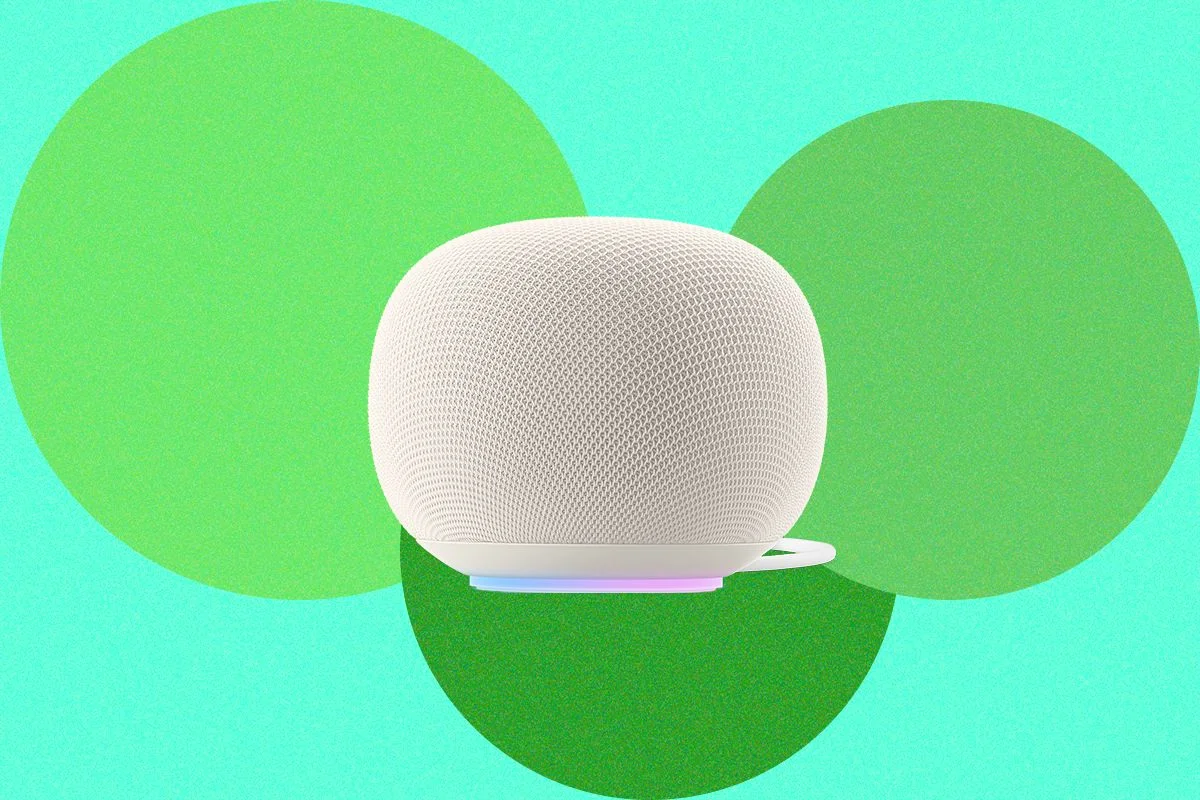
Greenlight Family Hub Adds Voice AI to a Family Calendar and Management Display
Greenlight’s $299 Family Hub combines shared calendars with family tools and a paid voice assistant, but wake detection and setup need work.
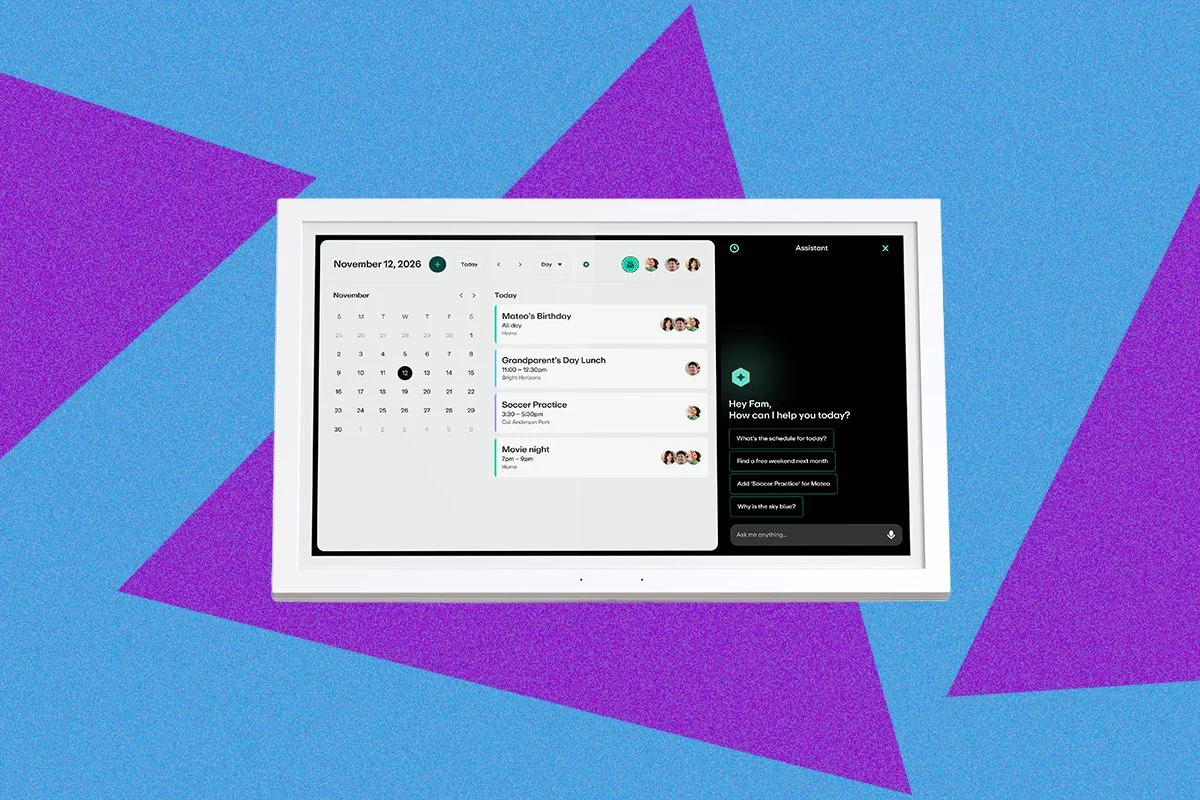
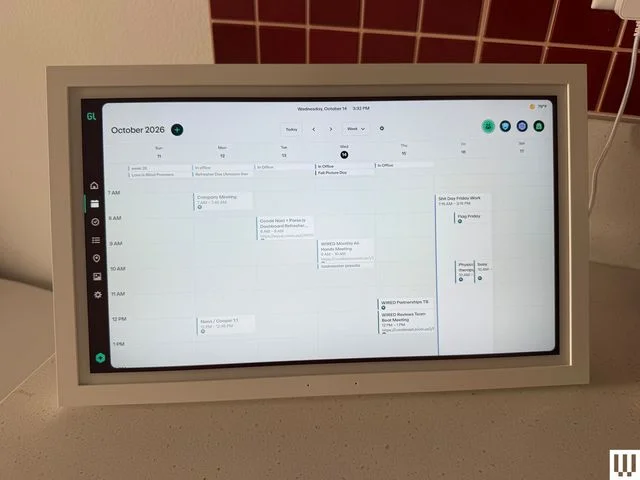
The Greenlight Family Hub makes a case for putting a voice assistant on a shared household calendar. Its 15.6-inch display brings calendars together with chore lists, meal planning, photos, spending tools and location sharing. The combination is useful, though it also means the device handles more personal information than its calendar-first design might suggest.
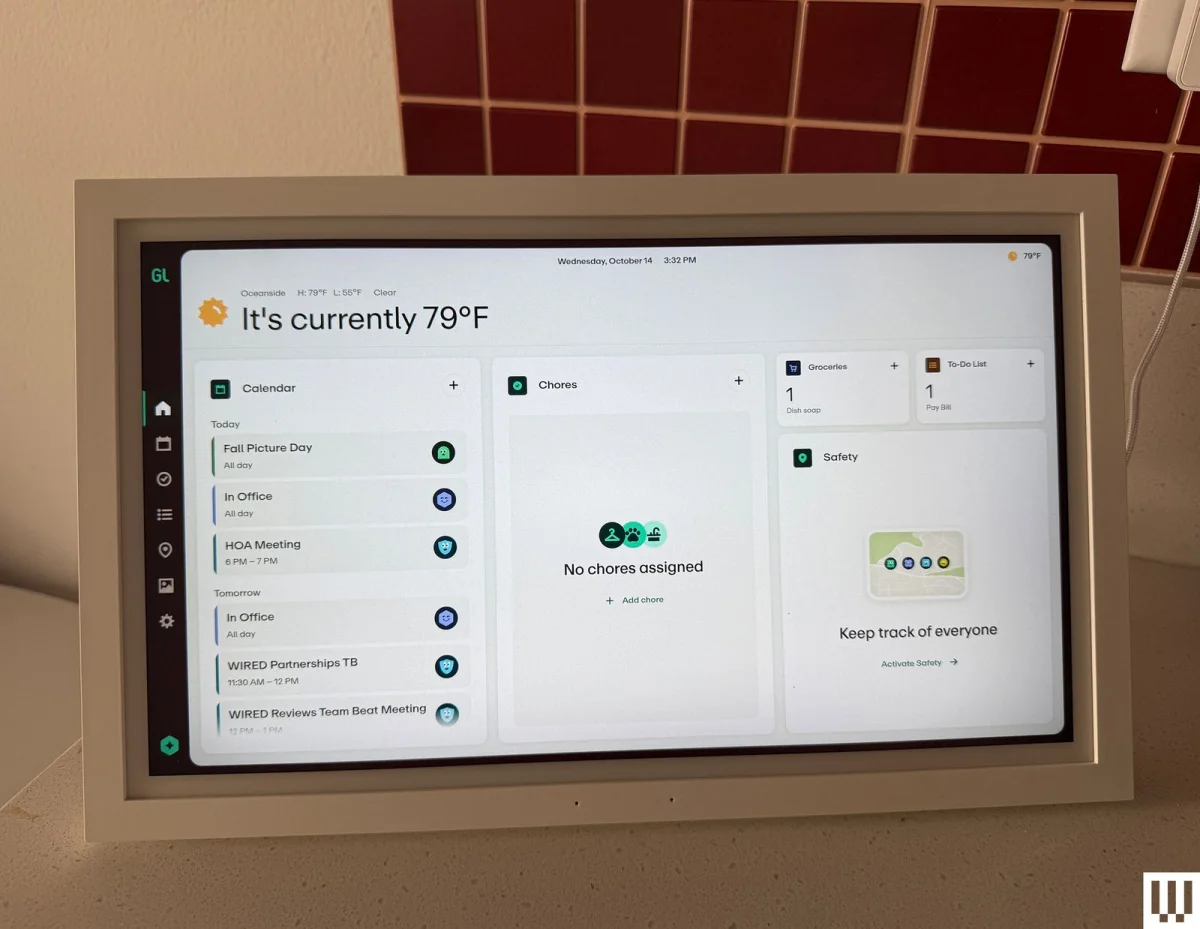
Digital calendars such as the Skylight Calendar pull events from services including Google Calendar, iCalendar and Outlook, giving a household one place to check plans without passing around a phone. Other models can also manage chores and to-do lists or display photos like a digital photo frame. Greenlight adds its family finance and location features to that familiar format, then puts voice interaction behind its paid plan.
The device costs $299 through Amazon at the listed price. Greenlight’s listing offers the Hub with Family Hub+ for $279, marked as 7 percent off. The voice assistant and location sharing require a $10-per-month membership; many of the other functions, including the photo screensaver, work without it.
A family dashboard with a voice interface
Greenlight began as a financial service for parents and teens and has expanded its Hub into a broader family management display. Alongside shared calendars and chores, it can show kids’ spending and family members’ locations. Location sharing uses the Greenlight app on a family member’s phone; families can also buy a separate GPS tracker for younger children.
Greenlight says it added voice support after noticing that competing wall calendars lacked it. Chief product officer Sushil Sharma describes the intended role as a shared home command center: a way to bring several family tasks onto one display and reduce the need to switch among devices. Voice input could also help younger children who aren’t yet comfortable reading or typing, while giving adults a familiar way to interact with a screen.
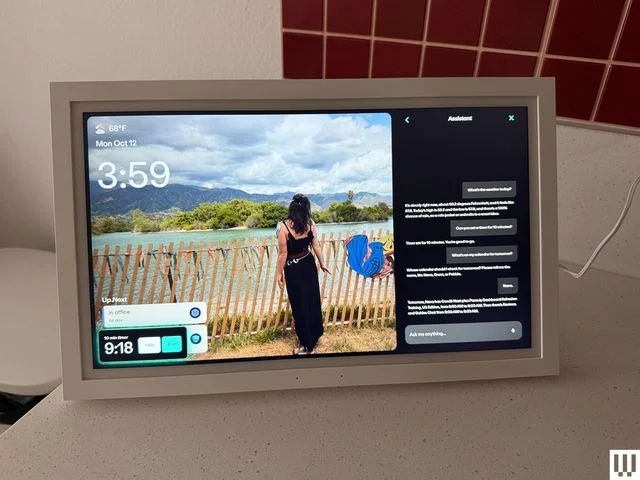
The assistant uses large language models alongside Greenlight’s own safety tools, which the company says are designed for family use. In testing, it handled timers and everyday questions, with the exchange appearing on the display’s right side. That conversational layout recalls the Alexa+ experience on an Echo Show. The reviewer found its answers thoughtful and easy to use, but the safety design is a company claim; the source doesn’t provide test results that measure how reliably it handles sensitive prompts.
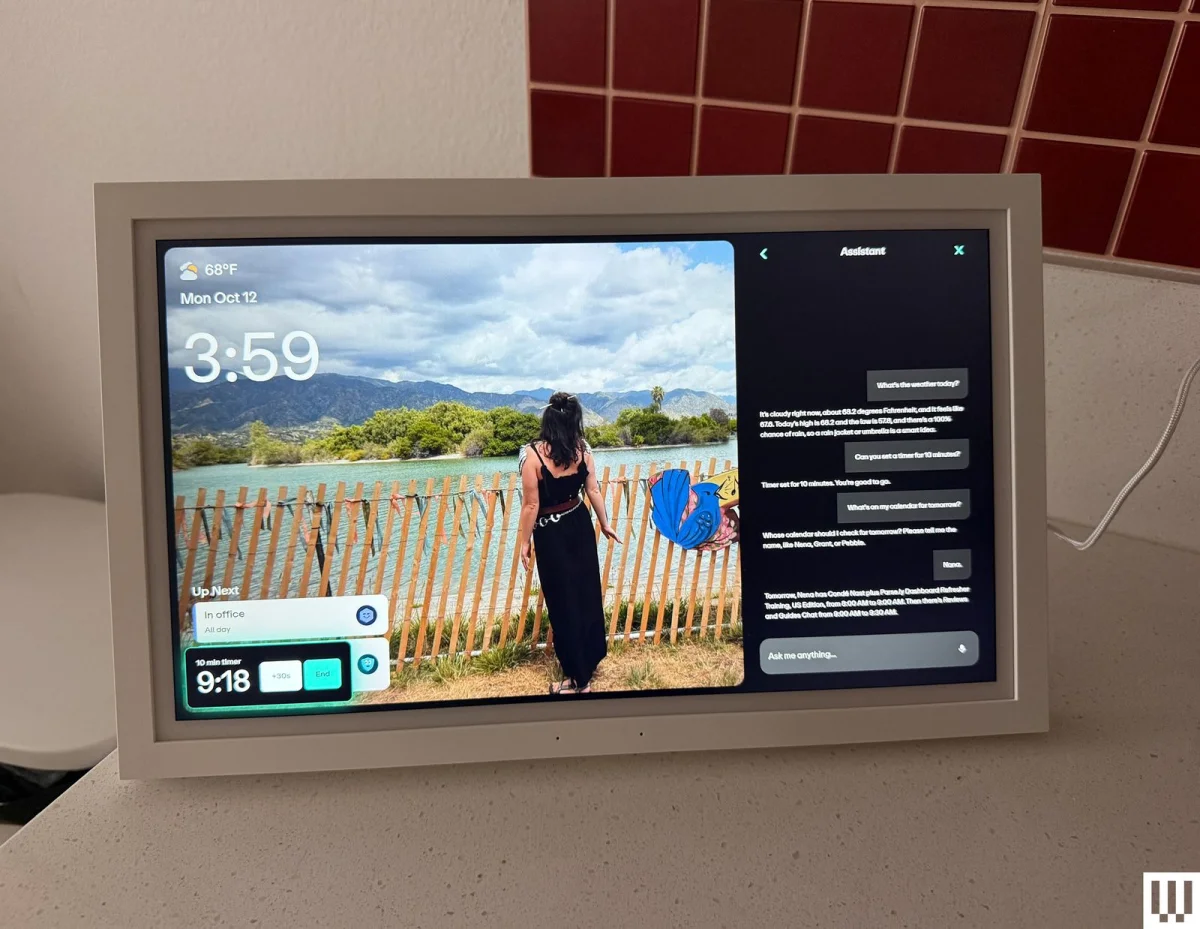
In day-to-day use, wake detection was less polished. The Hub is meant to respond to “Hey Greenlight,” but it sometimes activated without an intentional prompt. It also lingered in listening mode after a request, occasionally treating nearby conversation as a question. The reviewer often had to tell it to stop.
That behavior resembles a problem encountered with other AI voice assistants, including a Google Gemini-powered smart speaker: a system that tries to keep a conversation going can interrupt when it misreads ordinary talk as a command. For a shared family space, false activations can make voice control feel intrusive. The practical trade-off is clear: a device that waits for repeated wake words may be less convenient, but one that listens too eagerly can disrupt the room.
Useful features, with a privacy trade-off
Bundling calendars with location and financial information may suit families who already use Greenlight, but it raises the stakes of setup. The reviewer expected to configure a household display and instead got routed into a financial account flow, where setup stalled until customer support cleared the information. Greenlight said it was fixing the app issue. The experience shows how a single-purpose calendar can become a more involved account setup when it sits inside a larger family service.
The Hub has a microphone but no camera, which the reviewer found less unsettling than camera-equipped smart displays. That doesn’t remove the privacy questions around location sharing, spending information or a microphone that can wake unexpectedly. Families should consider which features they want to enable, especially when children will use the device.
Greenlight’s subscription split differs from the approach taken by Skylight, which charges for some storage features across its calendars and photo frames. Greenlight charges for its assistant and location sharing, while leaving features such as photo display available without the premium plan. Someone who mainly wants a wall calendar may find the free functions sufficient; voice interaction is the feature that makes the monthly fee relevant.
Where the category could go
The Hub highlights a gap between wall calendars and smart displays. Calendars offer a persistent, glanceable view of household plans, while voice-enabled displays can answer questions but often devote their screens to other content. A calendar mode on a smart display—or voice control on more wall calendars—could bring those strengths together. The reviewer asked Amazon and Skylight about the absence of such products; both declined to comment.
Building that combination takes more than adding a microphone. A manufacturer needs voice software, controls for when the device listens, and a screen layout that keeps schedules useful at a glance. Greenlight shows one way to package those features, but its false activations and account setup friction are reminders that an all-in-one family device must earn trust as well as save time. The next improvement to watch is not simply a smarter assistant; it’s one that responds when asked and leaves the rest of the household conversation alone.