Google Home Speaker Bug Used Up to 3TB of Wi-Fi Data in Two Weeks
Some Google Home Speakers repeatedly downloaded a software update, using hundreds of gigabytes to 3TB. Router and provider apps can help identify unusual device traffic.
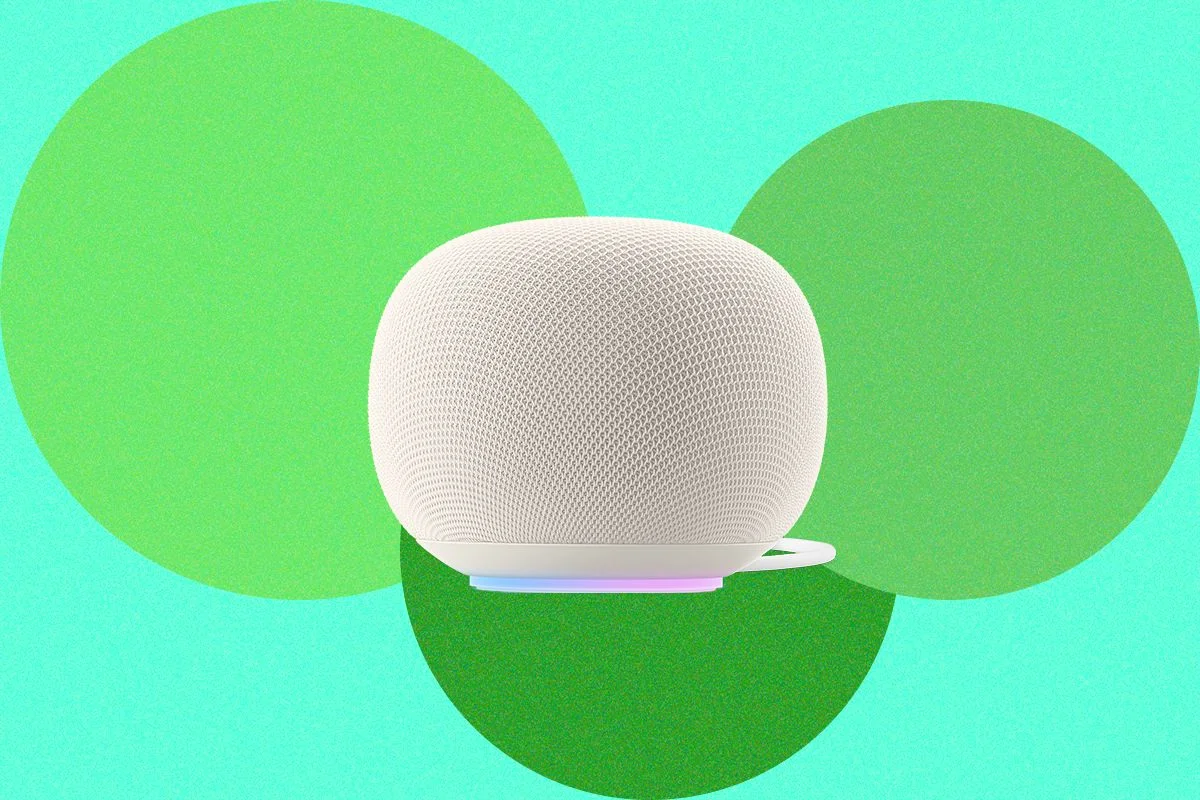
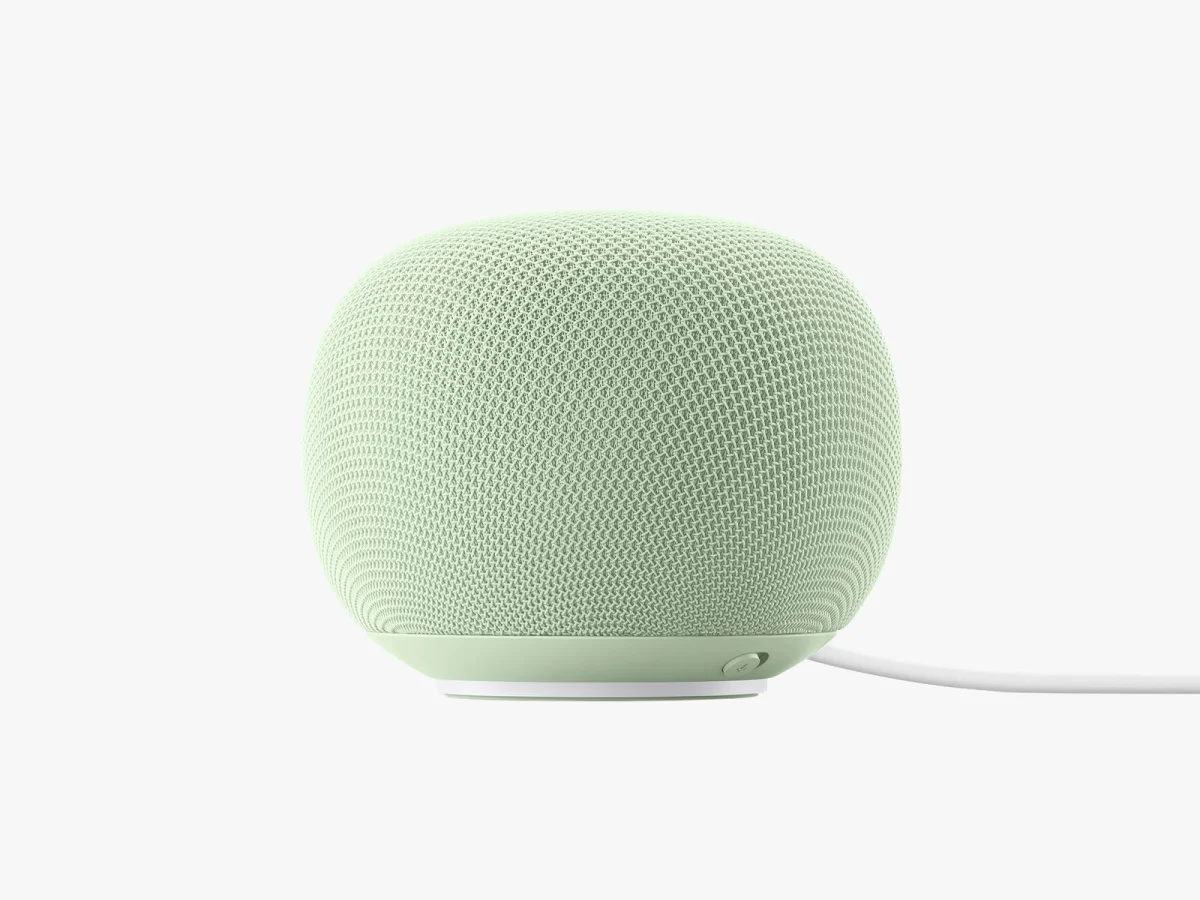
A software update loop turned some Google Home Speakers into heavy network users, with one device reportedly downloading 3 terabytes of data over roughly two weeks. Another owner found 487 gigabytes of use in 10 days. The episode shows why smart home devices can be worth checking when a household’s internet use suddenly climbs or its connection slows.
Google attributed the problem to a server misconfiguration that caused some speakers to repeatedly download an update. A company spokesperson said the issue had been resolved. The reports don’t establish how many devices were affected, and the unusually high use appears not to have hit every speaker. Still, even a short-lived fault can matter on plans with data limits or networks shared by many devices.
Device level data can reveal surprises
Checking a router’s traffic records can uncover unexpected activity beyond the device that prompted the search. One household’s review showed 22 gigabytes attributed to Amazon over the previous week, despite having only a Ring smoke detector set up. A device labeled “WATCH” had used about 21 gigabytes, though the household had no smart watch in active use. Those figures don’t identify what the devices were doing, but they point to traffic that merits a closer look.
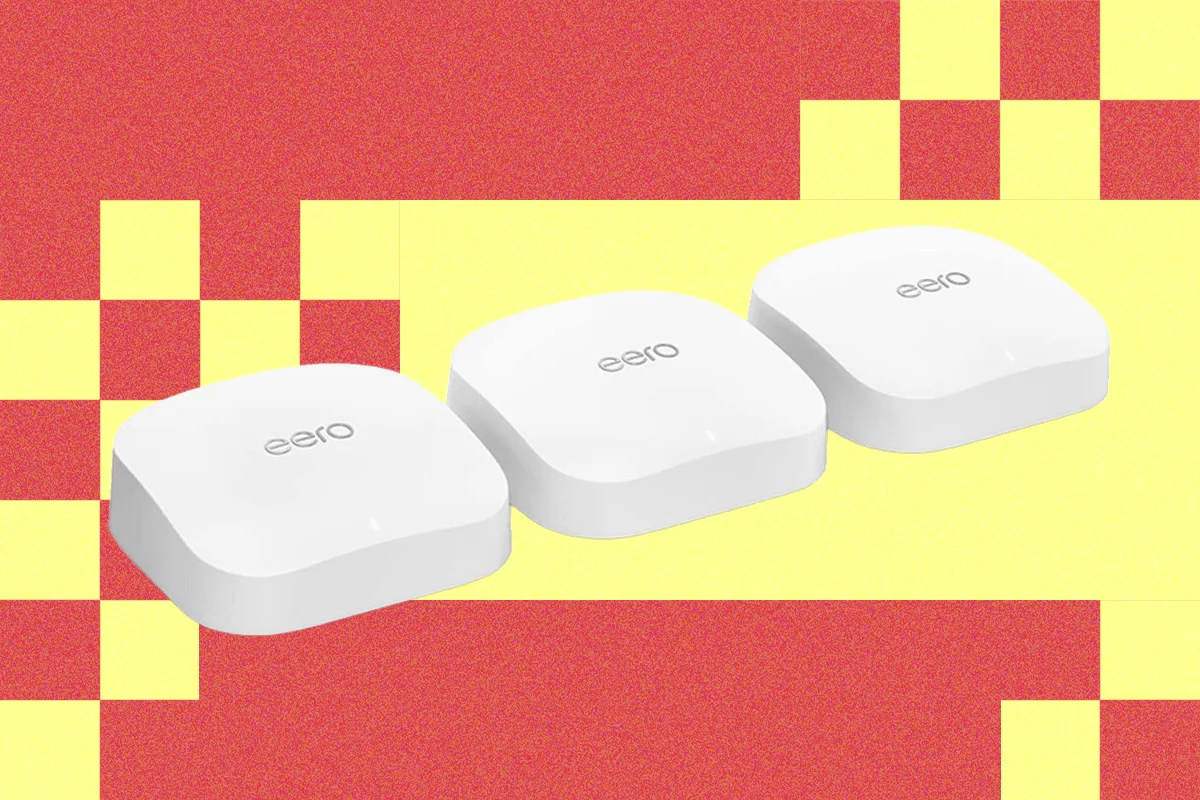
Router tools vary in how much detail they provide. Some systems show connected devices but reserve per device usage reports and other features for a paid subscription. The free Eero app described in the original account, for example, listed connected devices without showing how much data each one consumed. Router manufacturers may also put more traffic information in a browser based control panel than in their phone apps.
Where to look in router apps
On Asus equipment, traffic tracking is available through the router’s web interface. Open http://www.asusrouter.com/, sign in, and select Traffic Analyzer. Once it’s enabled, its data refreshes hourly. The Statistic tab lists the five clients using the most data, and the Asus Router app can show live traffic. Asus is also featured in guides to mesh Wi-Fi systems without subscriptions and Wi-Fi routers.
For TP-Link Deco or Tether systems, open the app’s Network tab and choose Traffic Usage. Available detail depends on the model; some offer an In-depth Statistics setting that can be turned on for more information.
Netgear’s Traffic Meter reports overall traffic but, according to the source account, doesn’t break it down by device. Owners of other router brands can check the browser based interface as well as the mobile app, since the two may expose different information. Additional router and mesh system options appear in the router guide and the mesh Wi-Fi guide.
Internet provider apps offer another view
An internet provider’s app or account page may show household data use even when the router offers little detail. In the reported example, the AT&T app showed current usage and allowed checks for the current day, the past seven days, the current billing period, or the previous three billing periods. Its device list covered only some of the highest volume users, rather than every connected device. That narrower view was still enough to flag the speaker and smoke detector.
These reports can help narrow down which devices deserve attention, but they have limits. A device name may be unclear, and a traffic total alone doesn’t explain whether the activity came from an update, routine operation, or another cause. Comparing recent periods and checking the device itself can provide useful context. Router and provider records also differ in how frequently they refresh and how far back they retain data.
Why the numbers matter
For the speaker owner, the spike wasn’t immediately costly because the household had a large data plan. But the plan had a 2 terabyte cap per billing period, so the speaker was unplugged temporarily as a precaution. A reported 3 terabytes over two weeks would exceed that cap on its own; the separate 487 gigabyte example shows that a lower, shorter spike can still take up a substantial share of a household’s allowance.
For people with capped plans, unexpected downloads can contribute to overage costs or use data needed by other devices. On a busy home network, persistent traffic may also compete with other activity. When usage jumps, check both the router and provider account if available, note which devices account for the largest totals, and investigate unfamiliar names. The Google case is a reminder that routine software updates can generate unusually high traffic when something goes wrong, so periodic usage checks can catch the next outlier.
For more reporting on Google’s speaker, see this Google Home Speaker review and WIRED’s guide to smart speakers.