Best Microsoft Surface Laptops and Tablets: What to Buy in 2026
The 2024 Surface Laptop remains the strongest value, while the Surface Laptop Ultra targets creative and local AI work. Newer models carry higher prices and trade-offs.
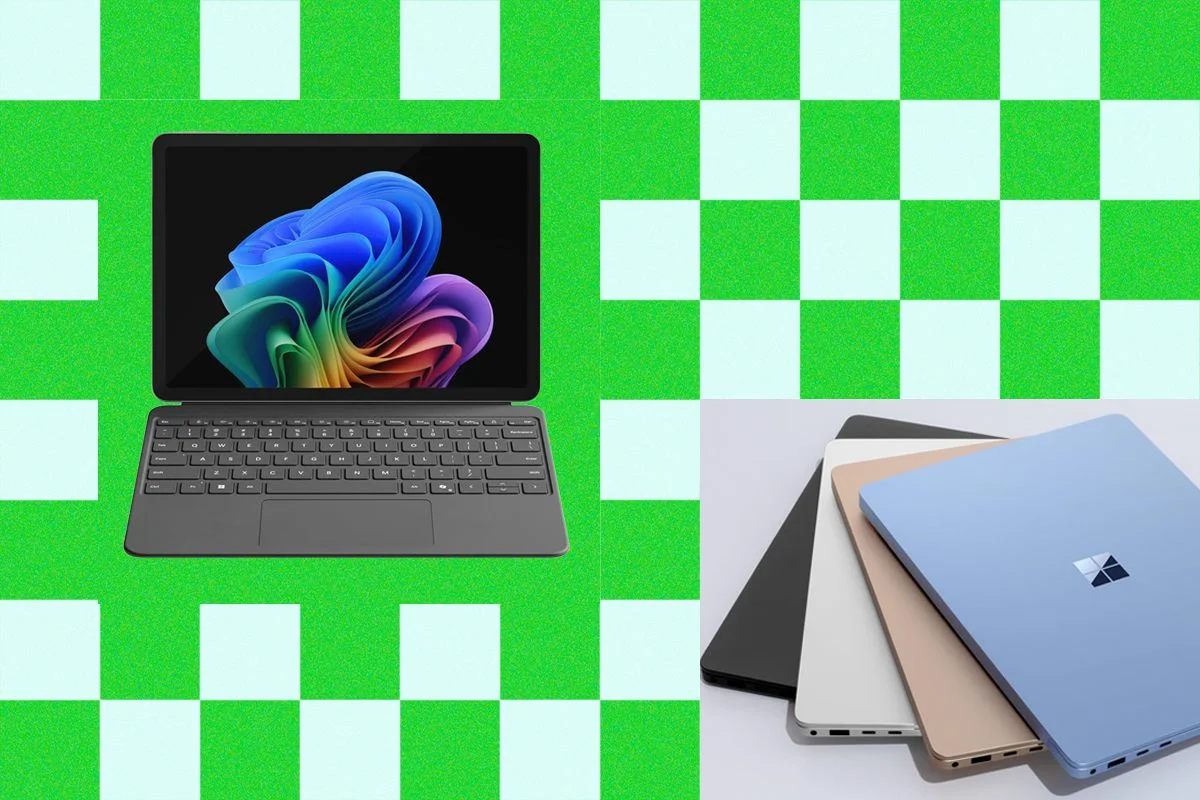
The best value in Microsoft’s Surface range may still be a laptop from 2024. The Surface Laptop 7th Edition has a strong display, long battery life and enough speed for everyday work; at the prices listed here, it can also cost hundreds less than its newer counterpart. For buyers who need a detachable tablet or more graphics power, other Surface models make sense, but their extra costs deserve a close look.
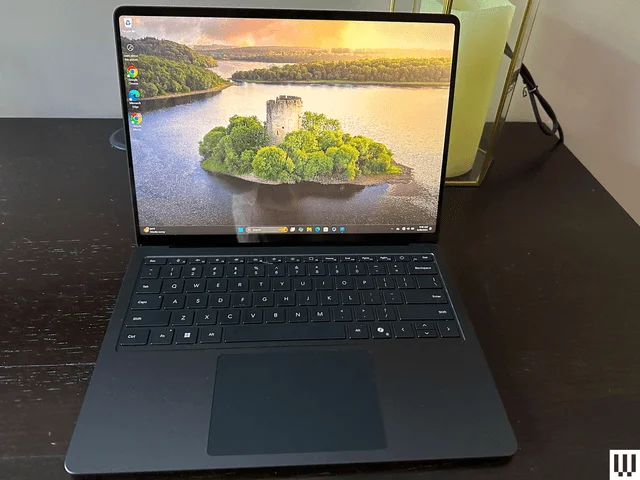
That’s the central choice in Microsoft’s current lineup. The company has introduced new Surface Laptop and Surface Pro versions with Snapdragon X2 processors, and the Surface Laptop Ultra brings Nvidia graphics to the range. Yet the performance gains and features come with higher prices. The 2024 models have held up well, particularly when discounted, so a newer release isn’t automatically the better purchase.
This guide was updated in October 2026 with testing notes for the Surface Laptop Ultra and revised prices for other devices. The recommendations below weigh tested performance, configuration, accessories and price. Microsoft did not send the new Snapdragon X2 devices for independent review, which limits how confidently they can be compared with the previous generation.
Best for most people: Surface Laptop 13.8-inch, 7th Edition
The 13.8-inch Surface Laptop 7th Edition is the strongest pick for most buyers. Its 3:2 display gives documents, spreadsheets and websites more vertical room than a typical widescreen laptop. The panel is sharp and refreshes at 120 Hz; battery life is good, and performance is strong for general work. Gaming is a weaker fit.
The 13.8-inch model should offer enough workspace for most people, though Microsoft also sells a 15-inch version for those who prefer a larger screen. Both use IPS displays with a 120-Hz refresh rate. The 13.8-inch screen has a 2304 × 1536 resolution; the 15-inch version is 2496 × 1664.
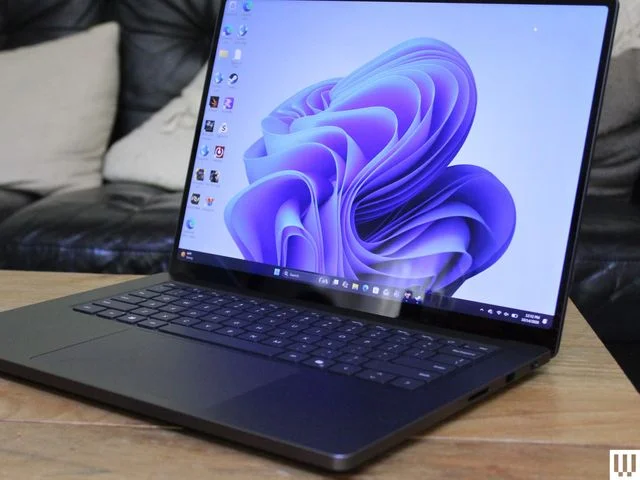
Configuration options include Qualcomm Snapdragon X Elite or X Plus processors, 16, 32 or 64 GB of memory, and 512 GB or 1 TB of storage. The listed 13.8-inch price is $989 at Amazon, down from $1,139; another listed retailer has it at $1,250, down from $1,500. The 15-inch version is listed at $1,388, down from $1,600.
The newer Surface Laptop 8th Edition has Snapdragon X2 chips. Testing of those chips in other laptops suggests meaningful speed increases, particularly in graphics performance. But there’s no independent review of Microsoft’s new model in this guide, and the price is the bigger obstacle: a comparable configuration costs more than $400 extra at the listed price of $999 for the older 512-GB model. The new version can reach $1,600.
That premium is hard to justify from the available evidence. The 2024 laptop remains a good fit for everyday productivity, and the added performance may not matter enough to outweigh the price difference for typical buyers. The older model is listed at $999 in Dune, with Black and Silver versions $50 more. Prices can change, so compare configurations before buying.
More graphics power: Surface Laptop Ultra
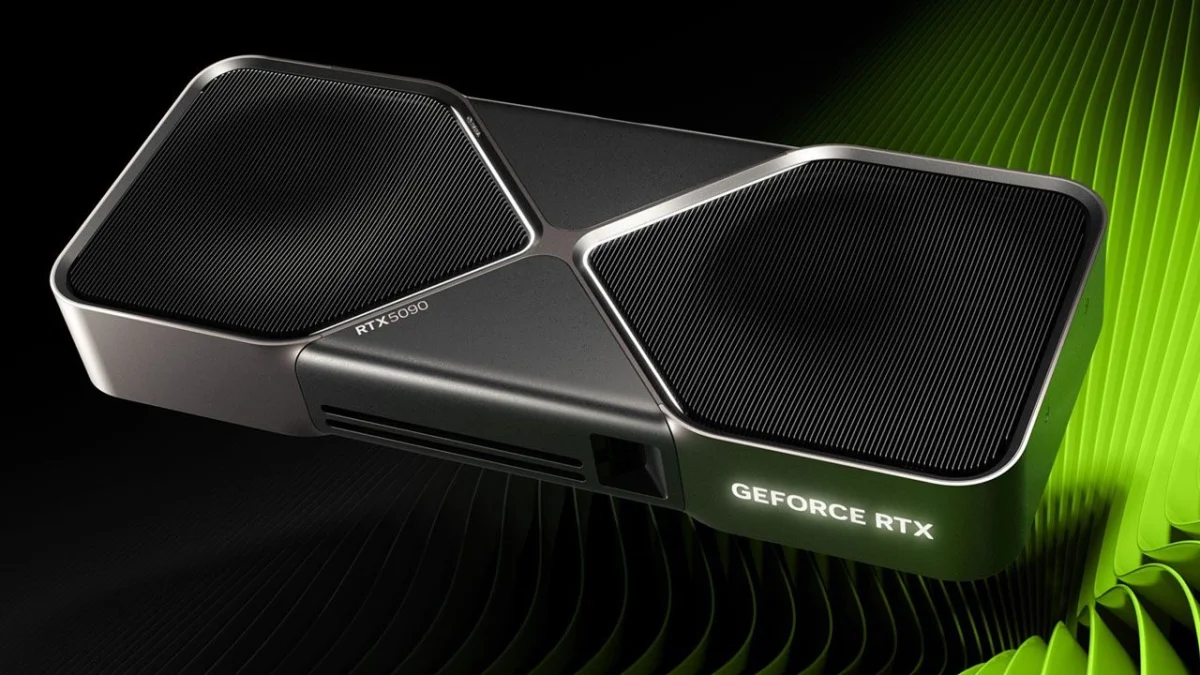
The Surface Laptop Ultra is aimed at people who want one machine for creative work, games and experiments with AI software running locally. It has a 15-inch, 3270 × 2180 Mini-LED screen with a 120-Hz refresh rate, and its enclosure is no thicker than the 15-inch Surface Laptop. Inside, Nvidia’s RTX Spark N1X platform gives it far more graphics capability than the standard Surface Laptop.
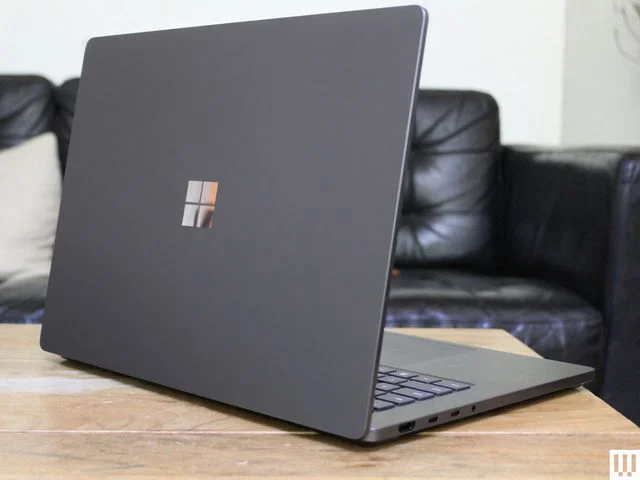
The Ultra can be configured with an 18-core chip with 5,120 GPU cores or a 20-core version with 6,144 GPU cores. Memory options run from 24 GB to 128 GB, while storage comes in 512-GB, 1-TB and 2-TB options. The listed price is $2,600 at both Amazon and Microsoft.
Memory capacity matters for local AI workloads: more unified RAM gives a model more room to run on the device. The tested configuration had 32 GB, which limits the size of models it can handle; models with 70 billion parameters and above are out of reach on that setup. Even the higher-memory versions shouldn’t be mistaken for a substitute for more powerful hardware when running large foundation models. For users accustomed to cloud services, the case for running large models locally remains unsettled.
The Ultra can also play games, but the Nvidia name doesn’t mean it performs like a gaming laptop with a dedicated graphics card. Compatibility is another constraint: popular games including PUBG and League of Legends were not compatible at the time covered by the source, though Nvidia said it was working on compatibility. Check support for the software you rely on before buying.
At $2,600, the Ultra is a specialized option. Its graphics hardware and high memory ceiling are most relevant to creative professionals and people curious about local AI workloads. For ordinary office tasks, the standard Surface Laptop is a more sensible purchase.
Best detachable: Surface Pro 12
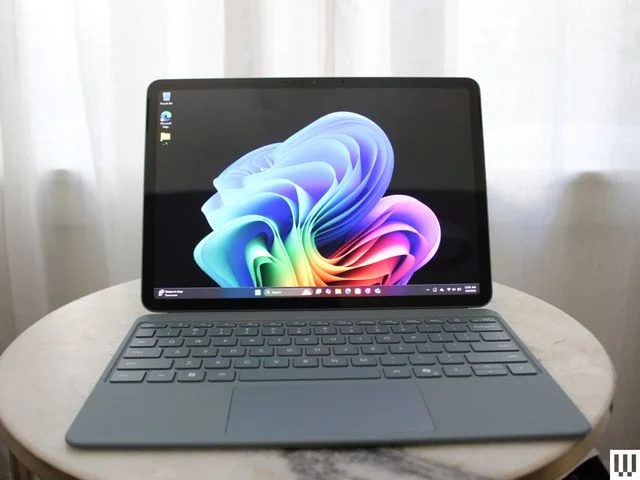
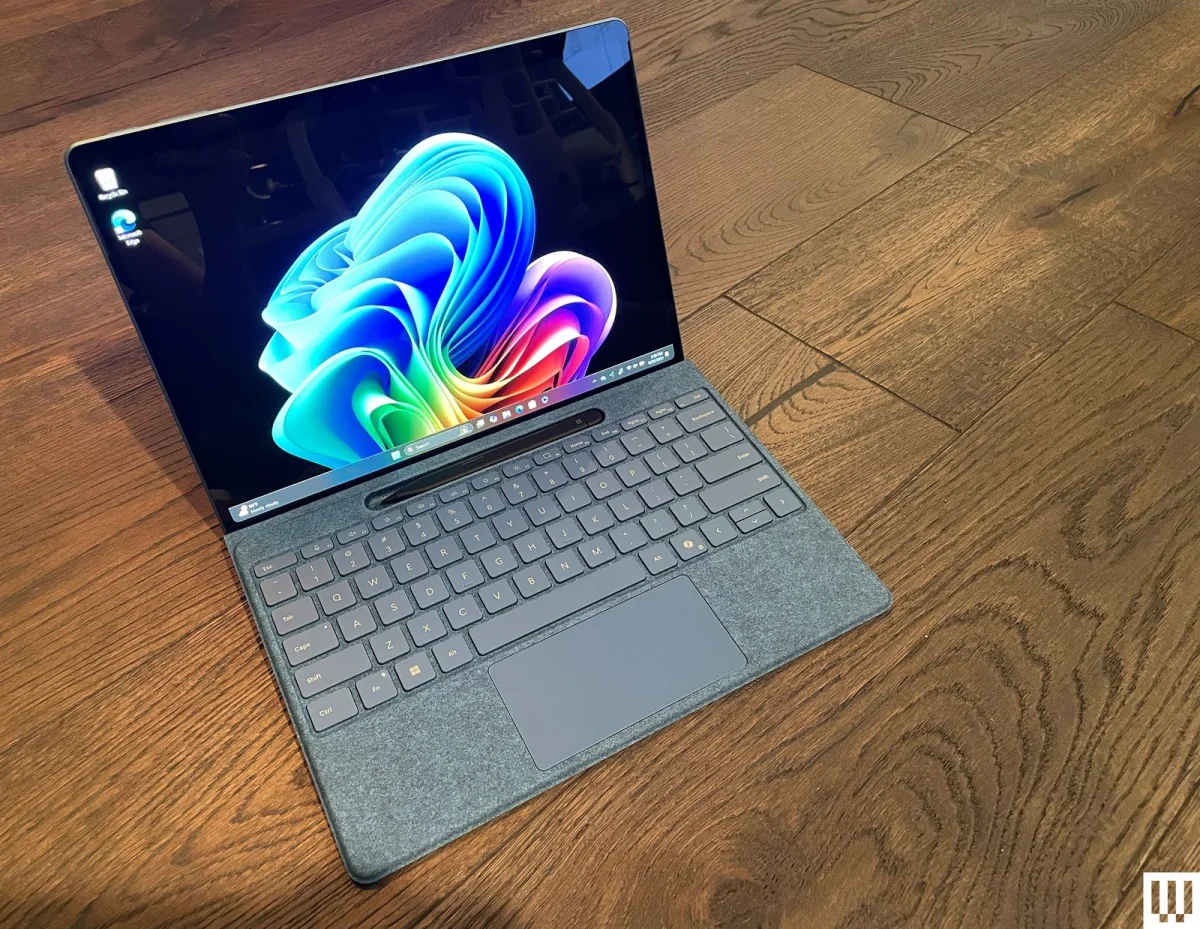
The Surface Pro 12 is the most appealing choice for buyers set on a Windows tablet that can serve as a laptop replacement. It keeps the Surface Pro line’s premium design while using a smaller body and a Snapdragon X Plus chip with two fewer cores than the larger model. The display and webcam have also been pared back. Those changes may be reasonable compromises if portability and a lower entry price matter most.
The 12-inch IPS screen has a 2196 × 1464 resolution. Configurations have 8 or 16 GB of memory and 256 or 512 GB of storage. The listed 16-GB model costs $950 at Amazon, reduced from $1,050. Microsoft lists an 8-GB version at $750, down from $850.
That 8-GB configuration may suit light use, but it’s a poor choice as a primary work computer. The tablet also ships without a power supply; adding one costs $70. The keyboard and Surface Pen are separate purchases, too. Those add-ons change the real cost of a device that many buyers will want to use as a laptop.
The larger Surface Pro 13.8-inch is difficult to recommend at its current price. Its IPS version is listed at $1,500, while the OLED model costs more than $2,000; neither price includes a keyboard. The smaller Pro 12 makes more sense for someone who specifically wants a detachable Windows device.
Models that are hard to recommend
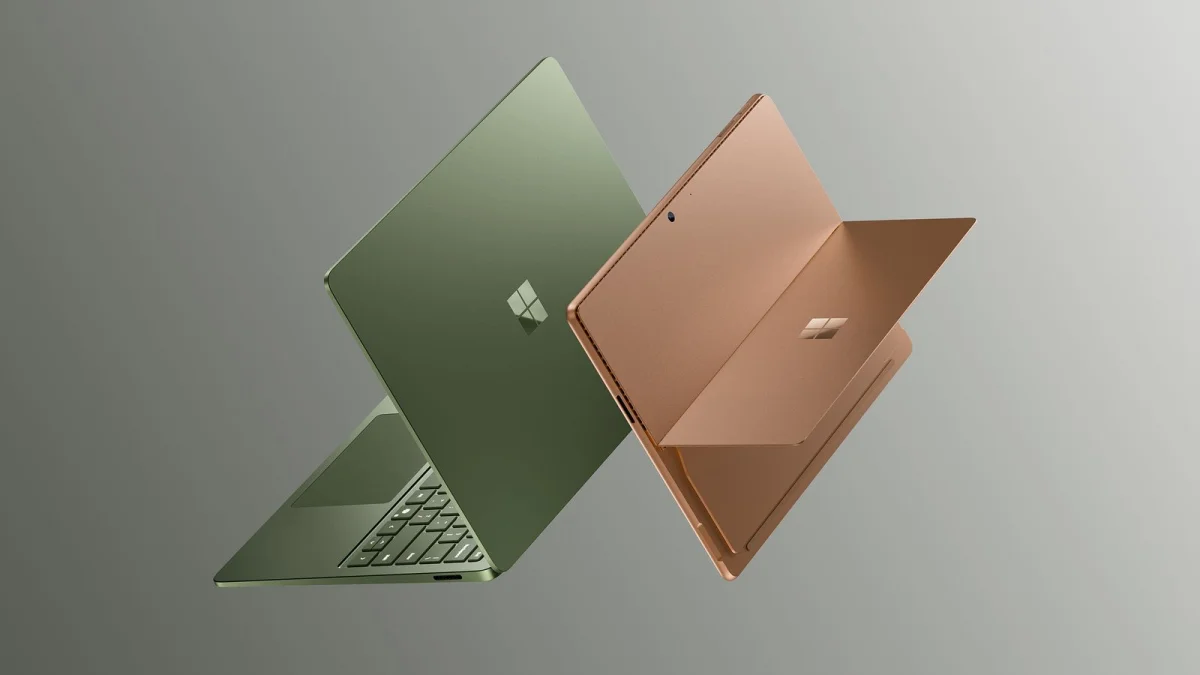
The newer Surface Laptop and Surface Pro use Snapdragon X2 processors, but their higher prices make the value case harder to establish. Microsoft did not provide review units to independent media, according to a company spokesperson. That choice doesn’t establish how the laptops perform, but it leaves buyers without the kind of outside testing that would help assess the new chips and the asking prices.
The Surface Laptop 13 from 2026 is easy to confuse with the 13.8-inch Surface Laptop, but it’s a different, more basic model. Its display is lower tier and doesn’t use the 3:2 aspect ratio. At $950 for a configuration with 8 GB of memory, it’s poor value. The source points to the Dell XPS 13 at $700 as a better option for shoppers who want a low-cost laptop with 8 GB of memory.
The 2025 Surface Laptop 13 is also hard to recommend on price. Its 256-GB base configuration is listed as sold out at Amazon, and Microsoft lists it at $950. The source’s reviewer had not tested it.
Skip the Surface Go 3 at its listed $700 price. It has just 8 GB of memory and 128 GB of storage, and there’s little reason to choose a Surface older than the 2024 generation at that cost.
The Surface Laptop for Business is a niche option. It’s the only listed route to an Intel-powered Surface Laptop and the only Surface Laptop with 5G connectivity. It’s designed mainly for commercial use, though Microsoft sells it directly to other buyers. The reviewer had not tested it.
Buy now or wait?
The Snapdragon X platform arrived with the Surface Laptop 7th Edition and Surface Pro 11th Edition, and those devices remain worthwhile choices while discounted. Their future availability is uncertain, so anyone considering one should compare current prices and configurations rather than assume a sale will last.
Qualcomm announced the Snapdragon X2 chips the previous fall, and Microsoft’s 8th Edition Surface Laptop and 12th Edition Surface Pro use them. The new processors could bring worthwhile gains, especially for graphics-heavy tasks, but Microsoft’s models have not been independently tested here and generally cost too much to displace the 2024 machines as the default recommendation.
The Surface Laptop Ultra has only just begun selling and is among the first devices built around Nvidia’s RTX Spark platform. Its use case is clearer than the new standard models’: buyers are paying for graphics capacity, memory options and local workloads. For everyone else, the older Surface Laptop remains the easier recommendation.
Practical trade-offs: ports, software and form factor
Surface Pro buyers should budget for a keyboard. The tablet works detached for occasional touch use, but Windows is less comfortable to navigate by touch alone than iPadOS. In practice, most people will use a Pro as a compact laptop with a detachable keyboard, rather than as a tablet first.
Ports vary by model. USB-C appears across the range, and higher-end devices support Thunderbolt 4. The Surface Pro 11th Edition and Surface Laptop 7th Edition also have Microsoft’s magnetic Surface Connect charging port. The newer 13-inch Surface Laptop and 12-inch Surface Pro drop it. Surface Pro devices lack both a headphone jack and USB-A; the Surface Laptop’s USB-A port is useful if you still connect older accessories.
Most modern consumer Surface devices use Qualcomm ARM processors rather than the x86 chips found in many Windows PCs. Microsoft and Qualcomm have improved support for native apps, but niche programs may still fail to run or perform slowly through emulation. Before switching, check that any specialist software you depend on has an ARM version.
The choice between the two form factors comes down to how you work. The touchscreen clamshell Surface Laptop is the straightforward option and suits people who want a conventional computer with a flexible screen. The Surface Pro adds a kickstand and detachable keyboard, which can make it easier to carry and use in tight spaces. Its tablet mode comes with the limits of Windows touch controls and a smaller touch-friendly app selection.
Protection and accessories
Microsoft Complete starts at $99 and adds warranty coverage with two accidental-damage claims, each subject to a $49 deductible. Coverage for Surface devices can run up to four years and includes incidents such as cracked screens, drops and spills. Buyers can add the plan with the device, through the Surface App, by arranging an appointment with a Microsoft product expert, or by contacting Microsoft Store Support. The plan can be added within 45 days of purchase.
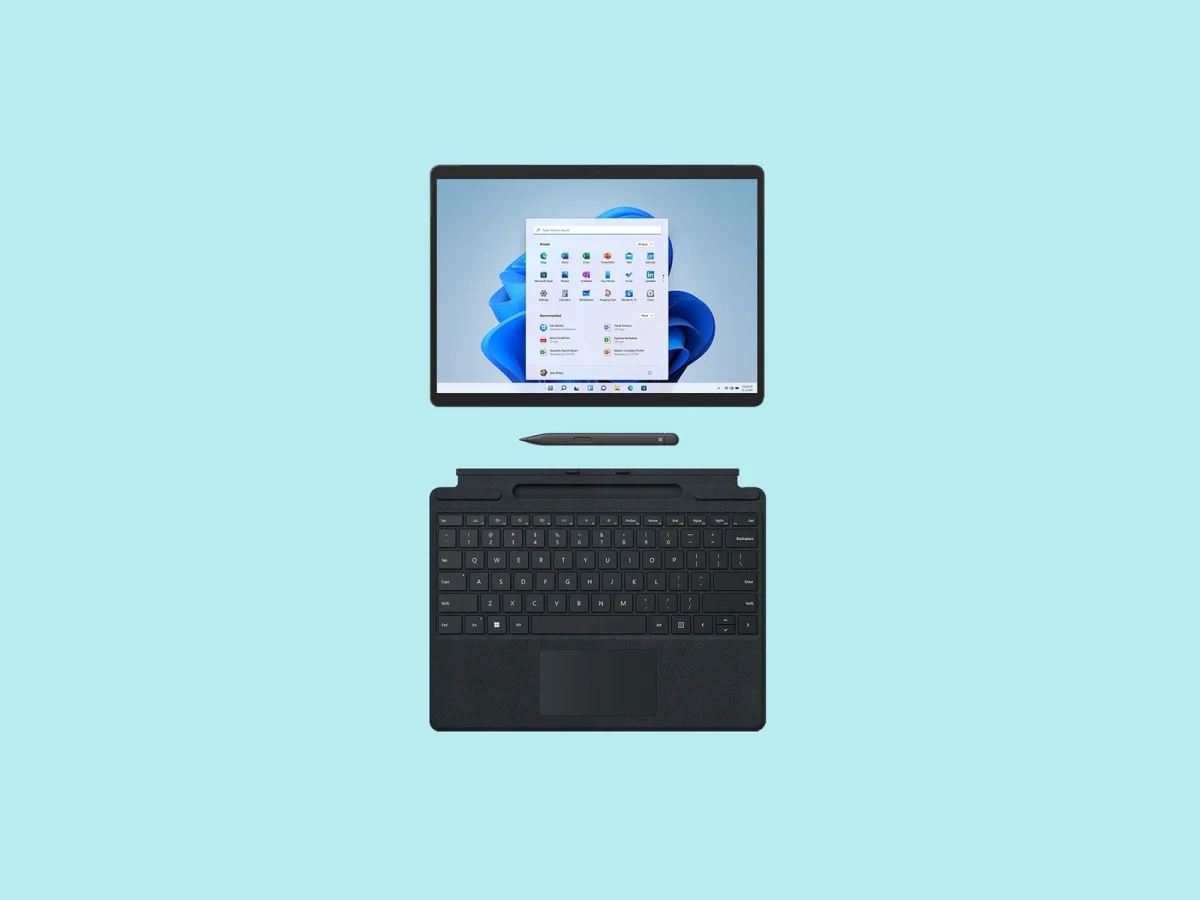
Surface accessories add to the purchase price, unless a bundle is available. The Surface Pro Flex Keyboard costs $330 and works detached from the tablet, letting you place the keyboard where it’s most comfortable. It has a larger touchpad than earlier designs, and there’s a bold-key option intended to aid people with low vision and reduce eyestrain.
The $158 Surface Pro Type Cover is a lower-cost keyboard choice, with clicky keys and simple attachment. It works with the Surface Pro 8 and earlier. For handwriting and drawing, the $136 Surface Slim Pen 2 adds haptic feedback and lower latency. It works with the Surface Pro 11th Edition and some older devices, including the Pro 8, and stores in the slot above the keyboard.
For travel, Microsoft’s $90 Arc Mouse folds flat for storage and bends into a working shape. Its limited buttons make it less suited to daily use, but its compact design can pair well with a Surface Pro. Microsoft’s Adaptive Accessories range, priced from $15 to $99, includes a programmable button, an adaptive mouse and a hub that connects accessories to a PC wirelessly.
For most buyers, the decision is straightforward: choose the discounted 2024 Surface Laptop for everyday work, the Pro 12 if you need a detachable Windows tablet, or the Laptop Ultra if its graphics and local computing options match a specific workload. Treat newer models as purchases that need a clear reason and a careful price comparison.