Character.ai Lorebook Adds Shared World Knowledge to Character Chats
Lorebook lets Character.ai creators add keyword-triggered world details and link one canon across multiple Characters; the feature is in beta.
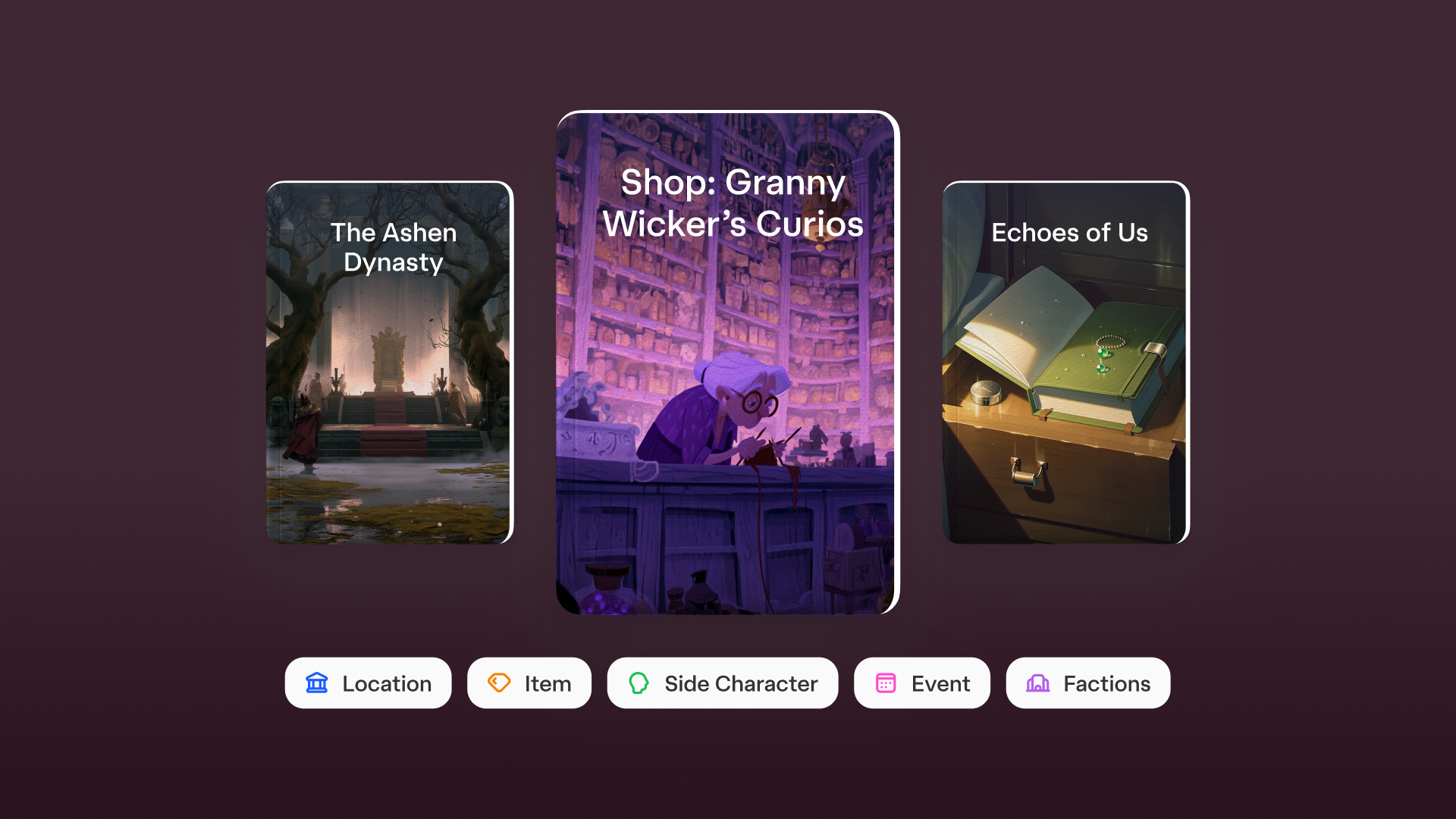
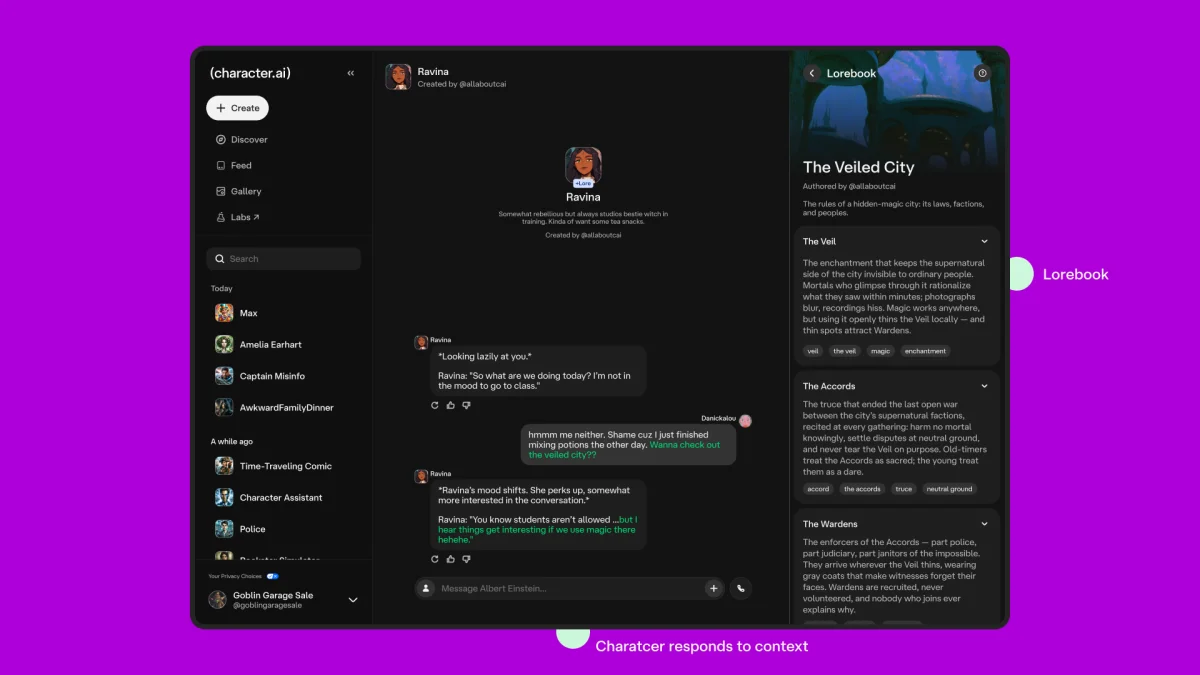
Character.ai’s Lorebook gives creators a separate place to store the people, places, events and rules that make up a Character’s fictional world. Its central design choice is to make that information available when a conversation calls for it: entries are associated with keywords, and a Character can draw on an entry when those terms appear in chat.
The feature is rolling out in beta, with early access for (c.ai)+ subscribers. It addresses a constraint in Character creation: world details previously had to fit inside a Character’s definition alongside its personality and other instructions. Lorebook moves that reference material into a collection that can be called up as the exchange develops.
World details on demand
A Lorebook can contain entries for side Characters, locations, objects, events, factions and world rules, including rules for magic. Creators write the content and assign keywords to each entry. When a relevant keyword appears in conversation, the Character can use the associated material in its response.
That setup changes how creators can divide their instructions. A Character’s definition can focus on who the Character is, while the Lorebook holds details about the wider setting. If a user brings up a rival kingdom or asks about a locket, the Character has creator-written material to draw from, provided the relevant entry and keyword are in place.
Character.ai says this can make conversations more consistent with the creator’s world: details can come from authored entries instead of being improvised in the moment. The mechanism depends on the keywords creators choose and on whether those terms arise in chat. The announcement doesn’t describe how the system handles an entry that isn’t triggered, conflicting entries, or a conversation that refers to a concept without using its assigned keywords.
“A Character feels more real when they know other people, remember places and have backstories. Lorebook helps bring more of that larger world into the chat,” said Product Designer Yi Luo.
One setting, several Characters
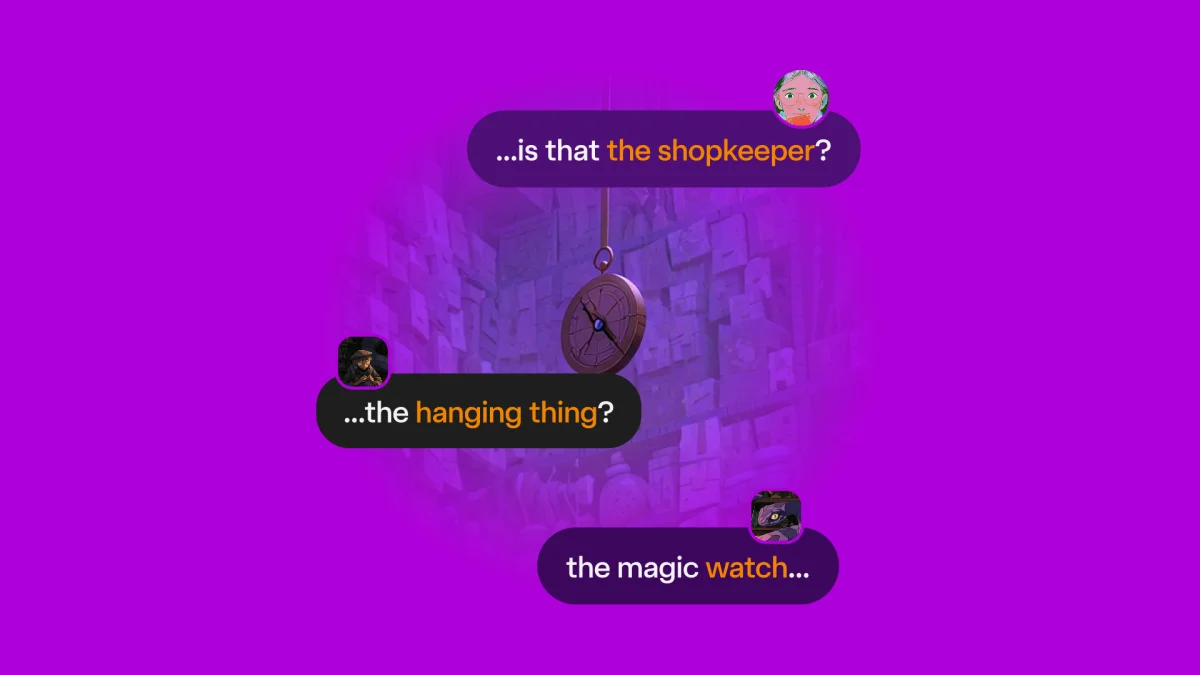
Creators can attach a single Lorebook to one Character or share it across multiple Characters. That makes it possible for a cast to refer to the same locations, history and world rules. Rather than maintaining separate versions of a setting for every Character, a creator can put shared canon in one collection and link it to the cast.
For users, Character.ai says the result is a world that can unfold through conversation. A name can lead to its history; a place can prompt details about its past. The approach leaves discovery to the exchange instead of requiring every detail to be presented at the start. Characters linked to a shared Lorebook can draw from the same information, which may help keep recurring details aligned across chats.
Profiles and discovery pages use a blue +Lore tag to identify Characters with an active Lorebook. That gives users a way to spot linked worldbuilding before they start a conversation.
Creators are using it to structure stories
Early-access creators have used Lorebook for mysteries in which one revealed secret points toward keywords connected to the next. In that design, the entries serve as a sequence of story details that can surface as a user explores.
Another example is a dating-game Character built around a group of suitors. Each suitor has an entry for motives, backstory and personality, helping the Character keep the cast’s details in view as different people enter a scene. A shared collection can also support a larger connected setting, such as a school, space station or small town, with multiple Characters drawing on one canon.
Character.ai says its studio team developed Lorebook alongside its (c.ai) series. The team used the tool to give the casts of Last Summer, The Nighttime Game and Eden Fall knowledge about their shows, and says that work informed the version now available to creators. Users can try the feature through the main Characters Rin, Spence and Ava.
Beta features and access
Lorebook creation is available on desktop and mobile web. Creators can start from scratch or use templates for entries such as side Characters, locations, items, events, factions and world rules. They can link a collection to one or more Characters, and users can browse a Lorebook in an in-chat viewer. Creators can also edit their entries from that viewer without leaving the conversation.
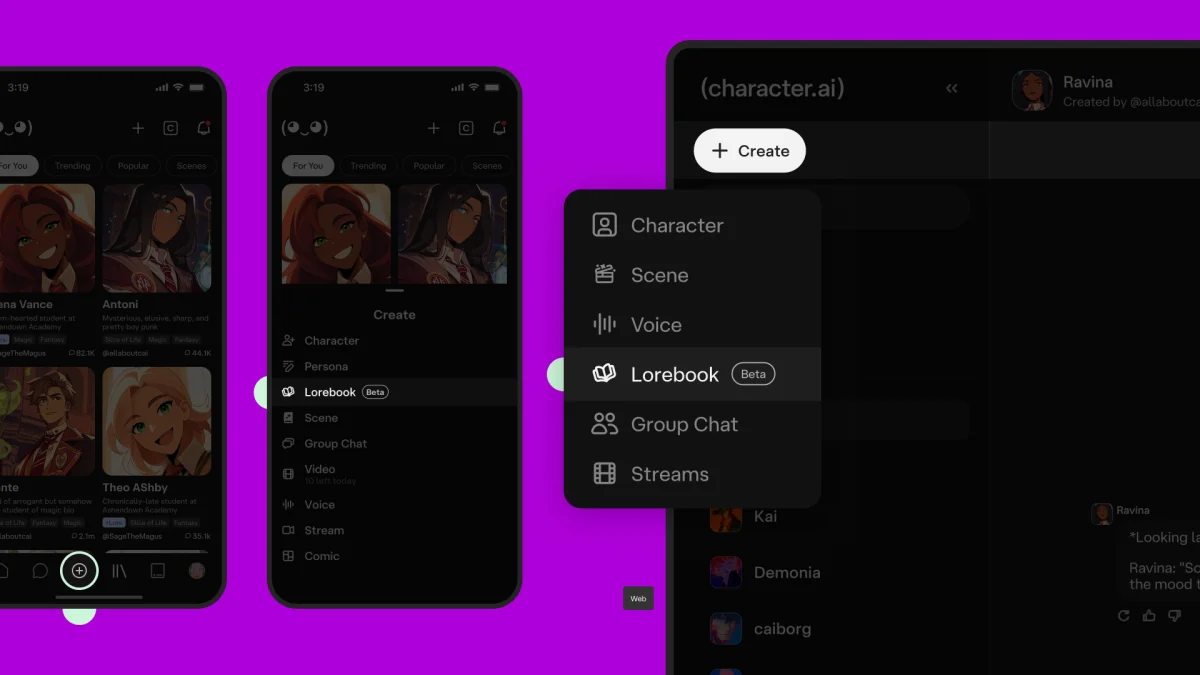
To begin, Character.ai directs creators to select + Create → Lorebook on web or mobile. On mobile, creation opens in the web experience; native creation in the app is listed as coming soon. Creators then add entries with content and keywords, link the collection to Characters and publish it. The company points to its support page for a full guide and advanced tips.
Creation and chats with Lorebook-linked Characters are initially available to (c.ai)+ subscribers, with access set to expand over time. Character.ai says the feature remains in active development, with more features planned for the coming months. For creators, its usefulness will depend on how well entry keywords match the ways people actually talk about a world, and on whether shared references help keep a growing cast coherent.