Gaming Headsets vs. Audiophile Headphones: What Matters for Play
Gaming headsets trade some audio fidelity for comfort, controls and communication features that can matter more during play.
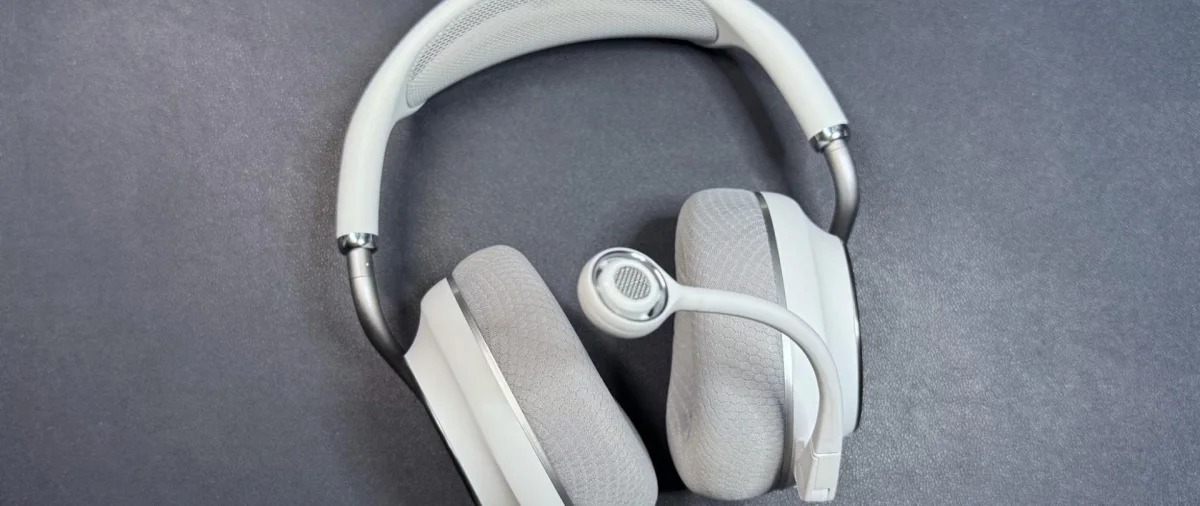
A gaming headset has to do more than reproduce sound accurately. It also needs to work through long sessions, make communication easy and help players pick out useful cues. That’s why an audiophile headset can sound excellent and still be a less practical choice for gaming.
Audio fidelity is the main goal of audiophile headsets: they aim to reproduce a recording as it was made. That kind of accuracy offers a useful reference, but it doesn’t guarantee a sound signature every listener will enjoy. Gaming headsets also care about sound quality, yet their priorities often include comfort, convenience and communication. When they tune for games, they may favor clarity or spatial cues over faithful reproduction.
The distinction matters because different games ask for different things from audio. A competitive shooter can reward players who hear where footsteps or gunshots are coming from. Detailed layers and a wide soundstage can make a game world feel more immersive, but extra detail isn’t automatically helpful if it masks the cue a player needs. In a horror or fantasy game, meanwhile, the sound mix may be designed to create tension or grandeur rather than to mimic a real acoustic space.
There’s no single best choice for every player. The decision depends on which features matter during play, and whether sound fidelity outweighs the practical benefits built into a gaming headset.
Comfort depends on the fit and the session
Both categories include comfortable models, and both include headsets that won’t suit every listener. Audiophile designs often use larger drivers and open backs. Larger drivers can move less to produce sound, which can reduce distortion; an open back lets sound waves pass through the enclosure, helping create a wider soundstage and a sense of space. The more open presentation may also feel less enclosing during long listening sessions.
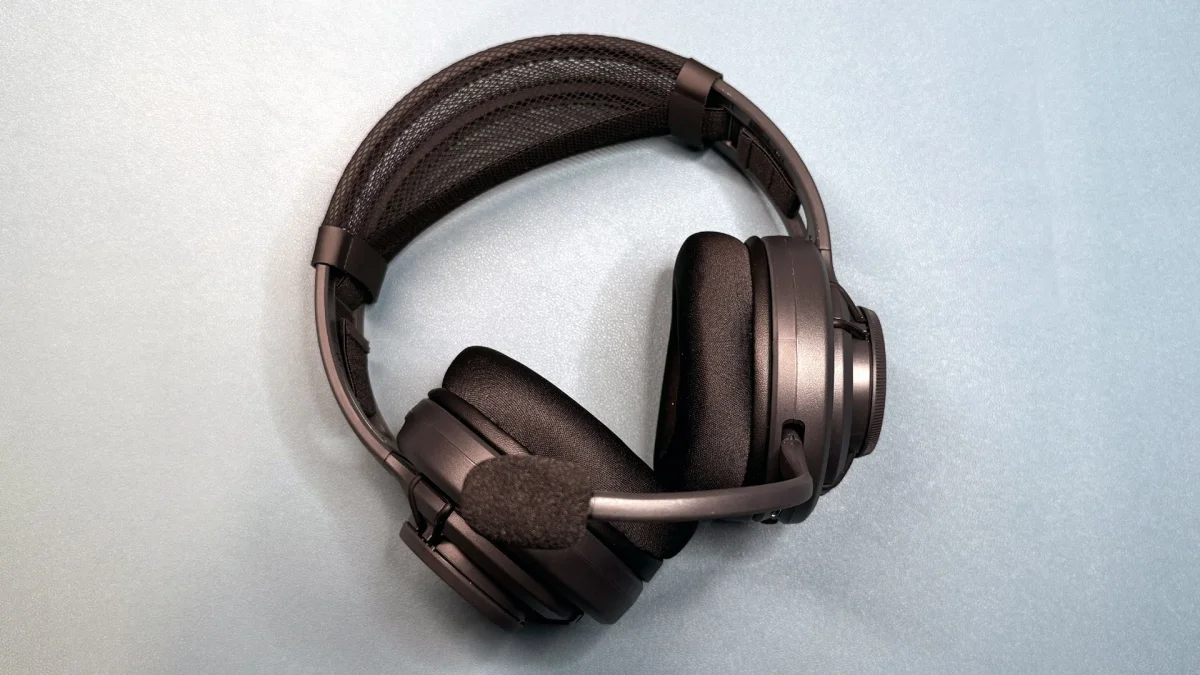
Gaming headsets are usually closed back, though open-back options include the Corsair Virtuoso Pro and Turtle Beach Atlas Air. Their physical design often reflects long sessions at a desk: low weight and flexible construction can reduce pressure, while specific details address common fit problems. Turtle Beach’s “ProSpecs” earpads use softer foam near the front to ease pressure for glasses wearers. The hinge-free design of the Logitech G735 aims to avoid catching on longer hair or piercings.
Those choices don’t make gaming headsets comfortable for everyone, and an audiophile model may fit a particular listener better. The useful question is what kind of comfort matters most: an open, less enclosed listening experience, or a headset shaped around extended gaming sessions and everyday fit issues.
Convenience is a major gaming advantage
Audiophile headphones tend to keep their focus on sound. Many are wired, have few controls beyond audio adjustment and may need a separate audio interface to connect to a PC or console. That can be a reasonable setup for a dedicated listening space, but it adds steps when a player wants to switch devices or adjust levels in the middle of a game.
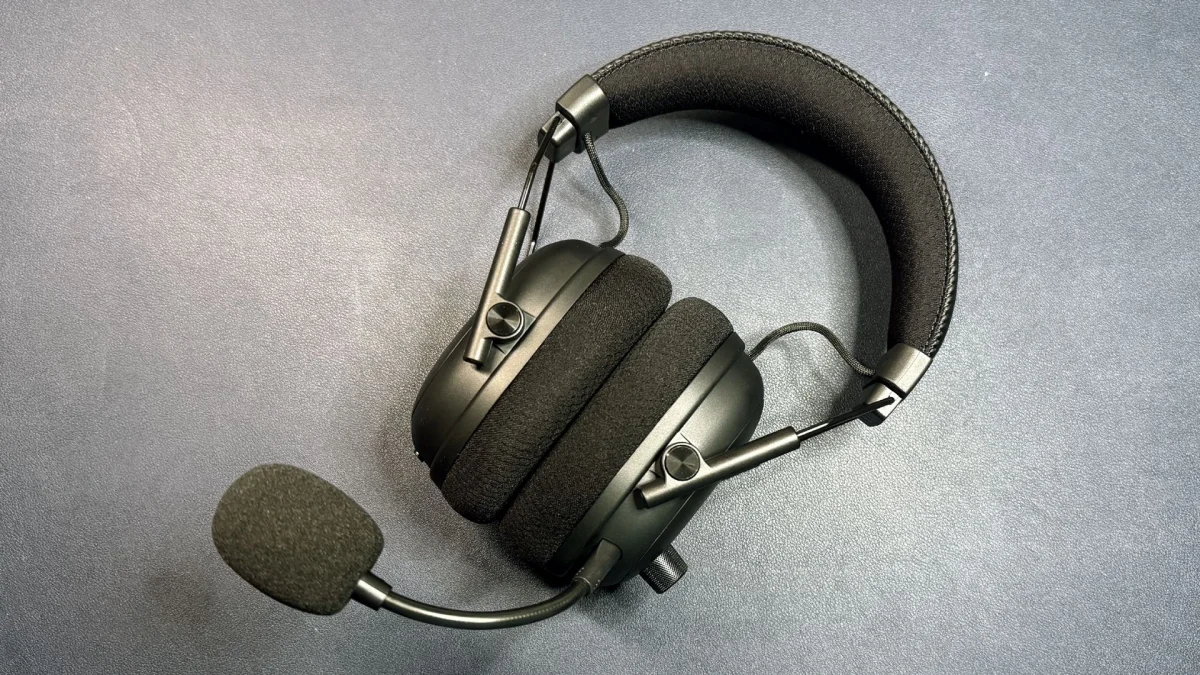
Gaming headsets commonly pack more controls and connections into one device. The Turtle Beach Stealth Pro II and Razer BlackShark V3 Pro support connections to multiple devices, simultaneous audio from two sources and quick access to game-oriented EQ presets. Depending on the model, players can adjust settings with headset buttons and dials, companion software or a desktop base station. The HyperX Cloud Alpha 2 Wireless includes a base station.
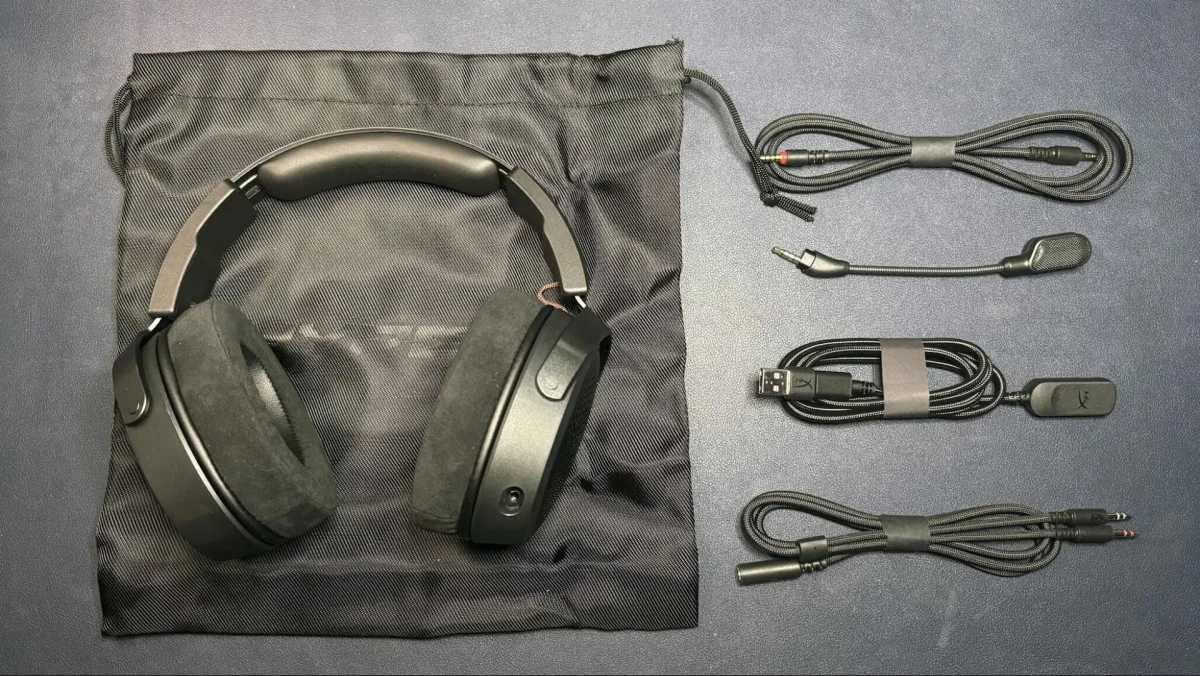
Even wired models may offer several ways to connect. The HyperX Cloud Alpha Air comes with a 3.5mm analog cable, a USB-C extension with a USB-A converter, and a PC headset extension for separate headphone and microphone jacks. That flexibility can help when moving between devices with different ports.
Some headsets from audio-focused brands include wireless features, but their controls can be less flexible. The Audeze Maxwell and Maxwell 2 support Bluetooth and 2.4GHz wireless at once, but Bluetooth takes priority automatically. Players can’t manually choose which connection takes precedence. That limitation shows how a feature can exist on paper yet still be awkward in use.
Communication involves more than microphone quality
A separate USB gaming microphone will usually deliver better voice quality than a headset mic. Still, the built-in microphone can be convenient, and some models do well enough to compete with dedicated options. The Razer BlackShark V2 Pro (2023), for example, has a microphone that can rival the best USB gaming mics.
Chat mixing is another part of the communication setup. SteelSeries’ Arctis Nova series includes ChatMix, which lets players balance game and chat audio on the headset. Raising chat can make teammates easier to hear over music or effects; lowering it can bring the game back to the foreground.
Gaming headset software may add microphone EQ, sidetone and noise reduction or cancellation. Companion apps can be frustrating, but these controls are aimed at gaming and voice chat. With audiophile headphones, a separate mic and other equipment may be needed to get a similar communication setup.
Choose for the way you play
Some products cross the line between categories. The Audeze Maxwell 2 pairs large, 90mm planar magnetic drivers with gaming features, but it’s heavy. It remains relatively comfortable for its weight and offers a broad, immersive presentation. That doesn’t necessarily translate into pinpoint positional accuracy for locating footsteps or gunshots, however.
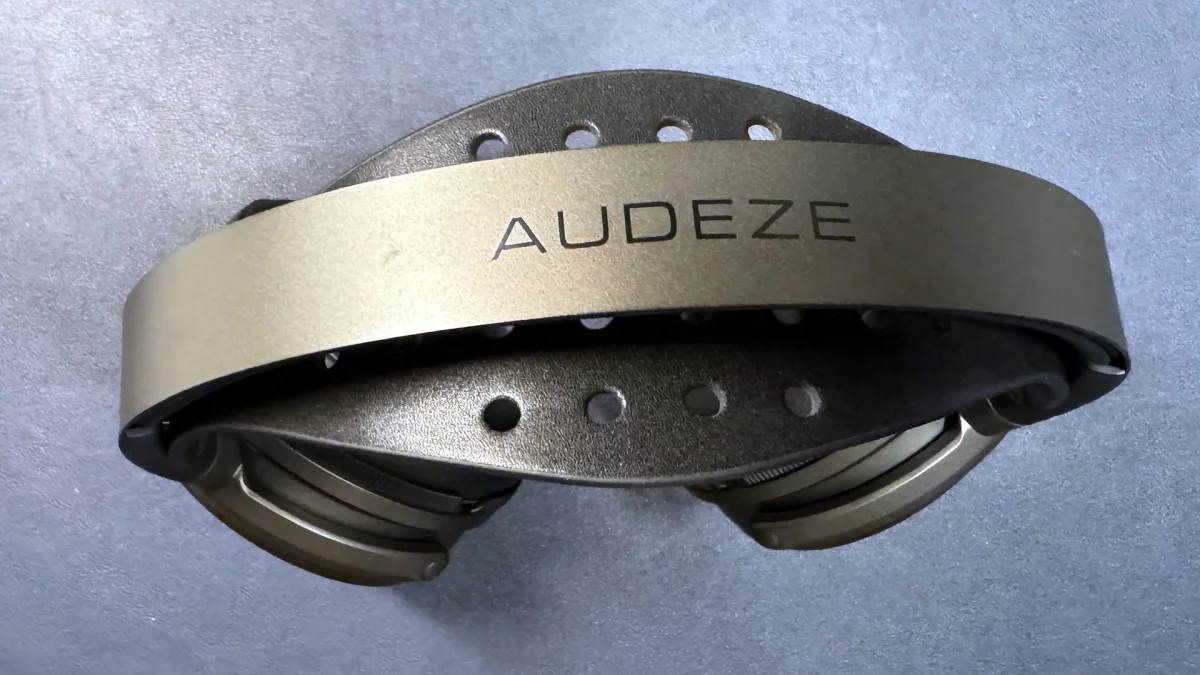
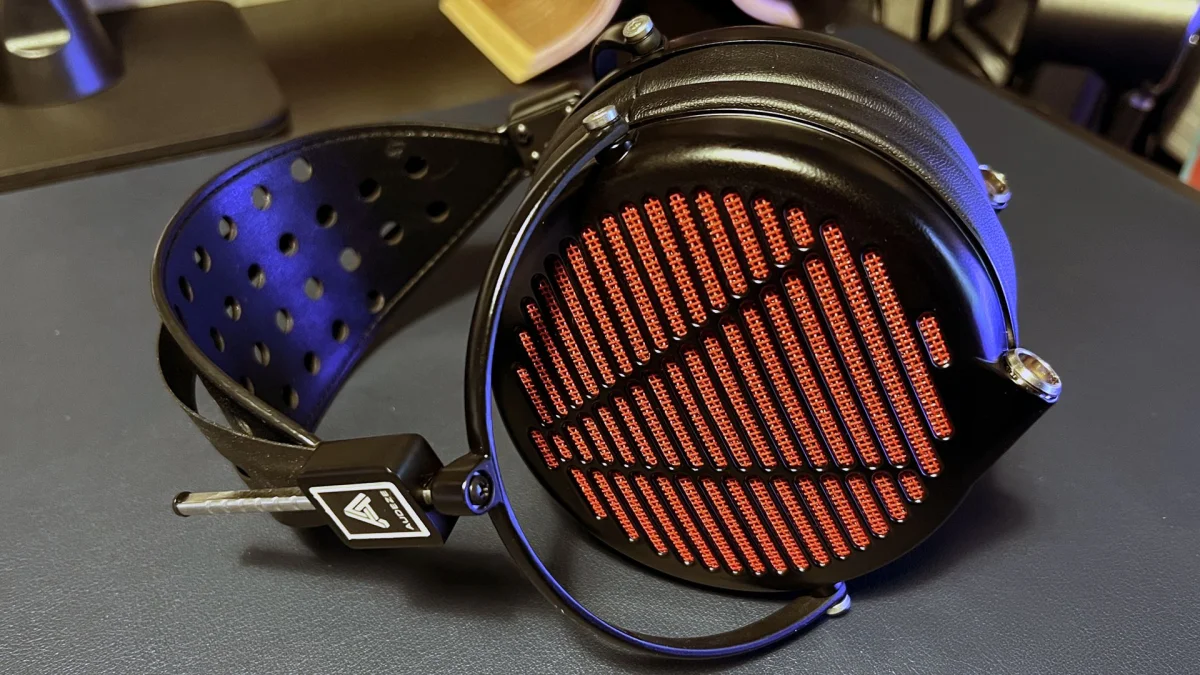
The much pricier Audeze LCD-GX illustrates the other end of the tradeoff: strong sound, with few gaming-specific features. It includes a 3.5mm cable and a PC adapter with separate headphone and microphone connectors, so it can connect directly to a PC. Beyond that, it doesn’t provide the controls and communication tools common on gaming models.
For players who want multi-device connections, quick audio adjustments, a convenient mic, chat mixing or comfort tailored to long sessions, a gaming headset is likely the more useful fit. Audiophile headphones make more sense when faithful reproduction is the priority and a separate mic or audio interface fits the setup. A hybrid model can cover parts of both needs, but check its weight, positional performance and controls before assuming it offers the best of each category. During a match, the features that help you hear teammates and act on sound cues may matter more than the last step in audio fidelity.