Razer Basilisk V4 Pro Review: Better Battery Life, Familiar Shape and an Awkward AI Button
The Basilisk V4 Pro adds a 50K sensor, lighter build and longer battery life, but its new buttons feel poorly placed.
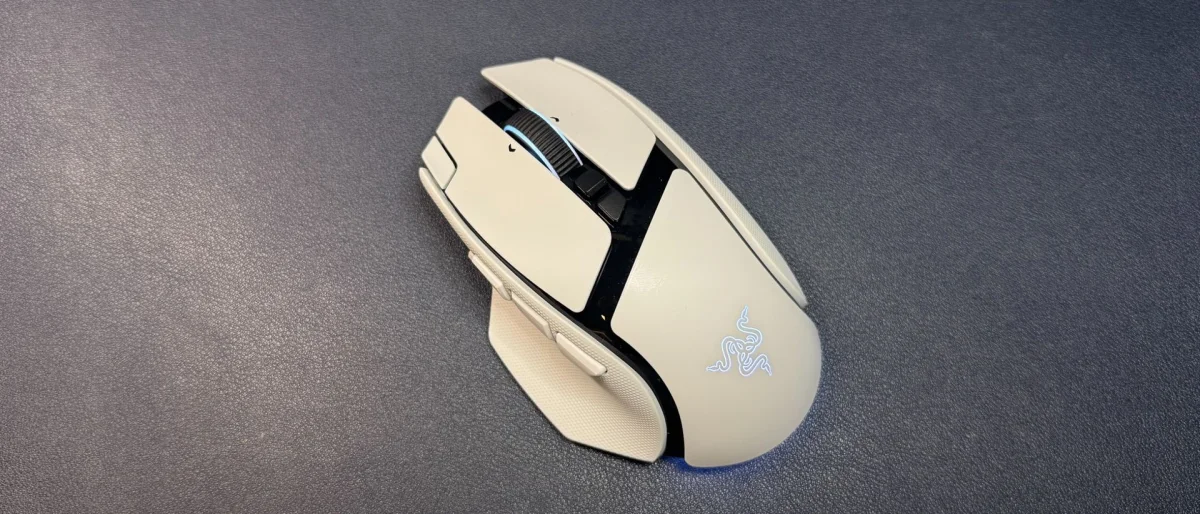
The Basilisk V4 Pro’s most useful changes are practical: it weighs less than its predecessor, lasts longer between charges and adds Razer’s Focus Pro 50K Gen-3 sensor. Its familiar ergonomic shape still makes it a flexible choice for players who want extra controls without the bulk of a button-heavy MMO mouse. But one of those new controls launches Razer’s AI prompt, and the added buttons disrupt thumb placement more than they improve it.
This is the first substantial Basilisk update since the Basilisk V3 Pro 35K arrived in October 2024 with a sensor upgrade. The V4 Pro keeps the same broad design: a contoured, right-handed shell, RGB lighting and a tilt scroll wheel. At $169.99 in black or white, it sits at the high end of Razer’s mouse range. The optional Mouse Dock V2 Pro costs another $69.99.
Familiar shape, with two new buttons
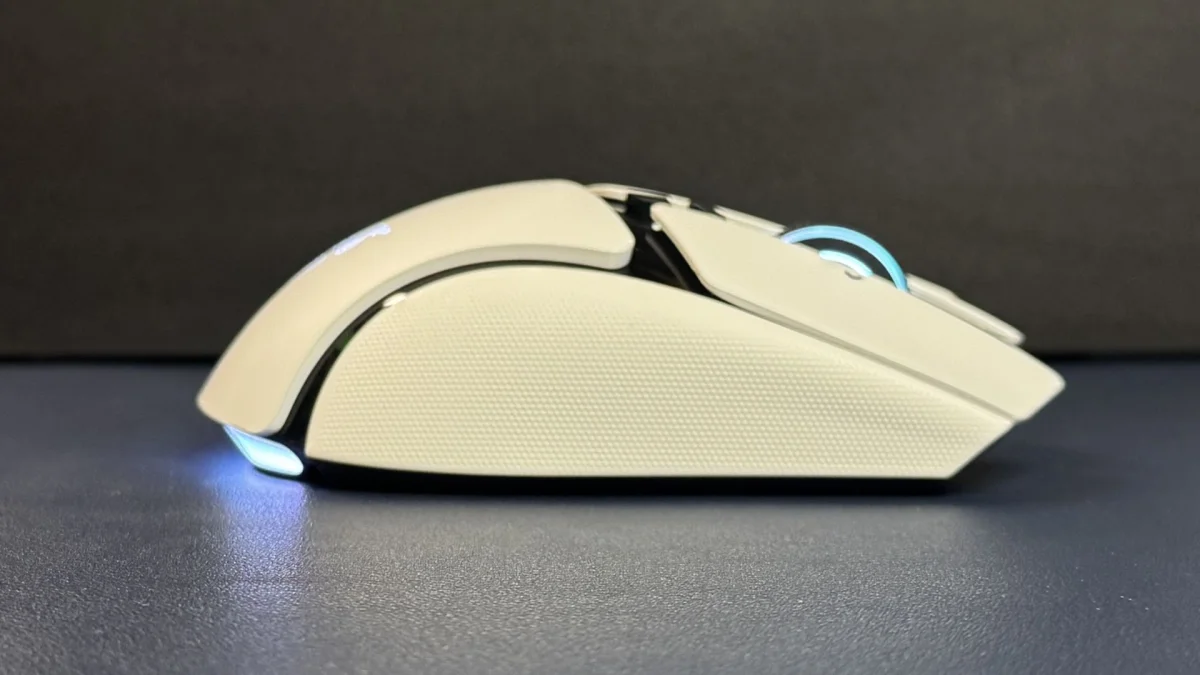
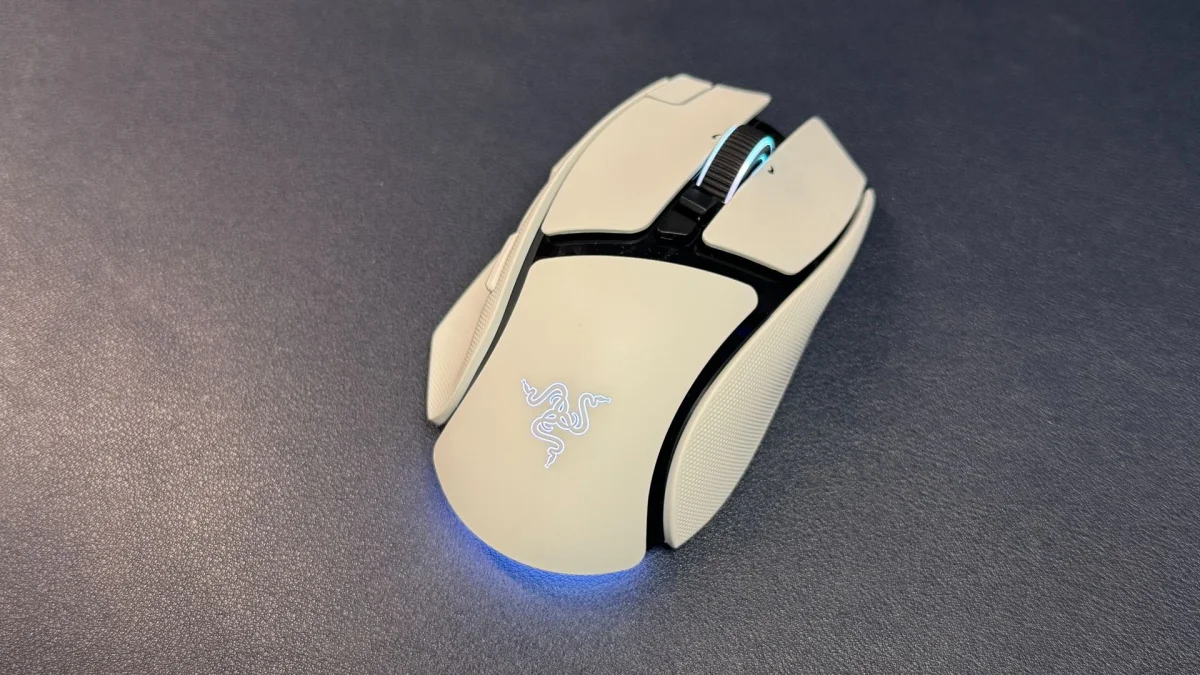
The V4 Pro is almost the same size and shape as the previous model. Its thumb rest, rearward hump, shallow finger grooves and gently contoured outer edge make it comfortable to grip and easy to lift. At 5.02 inches (127.5mm) long, though, it’s a large mouse. The white version reviewed here pairs a matte body with glossy black details; textured rubber panels on both sides add grip.
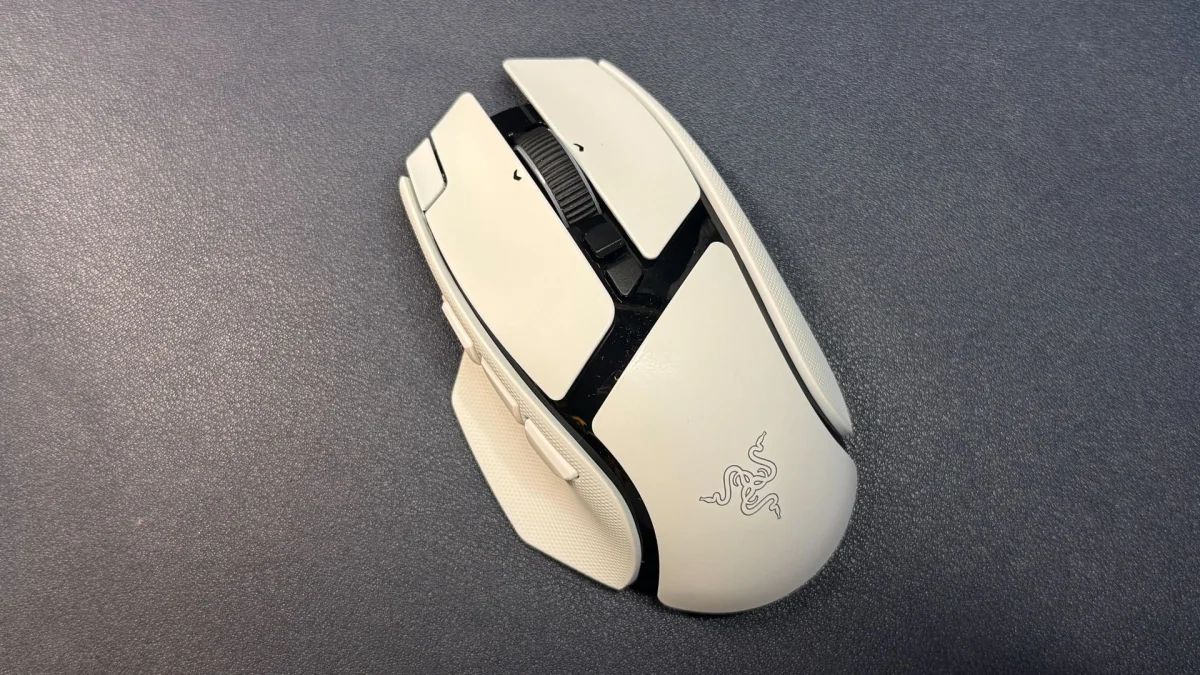
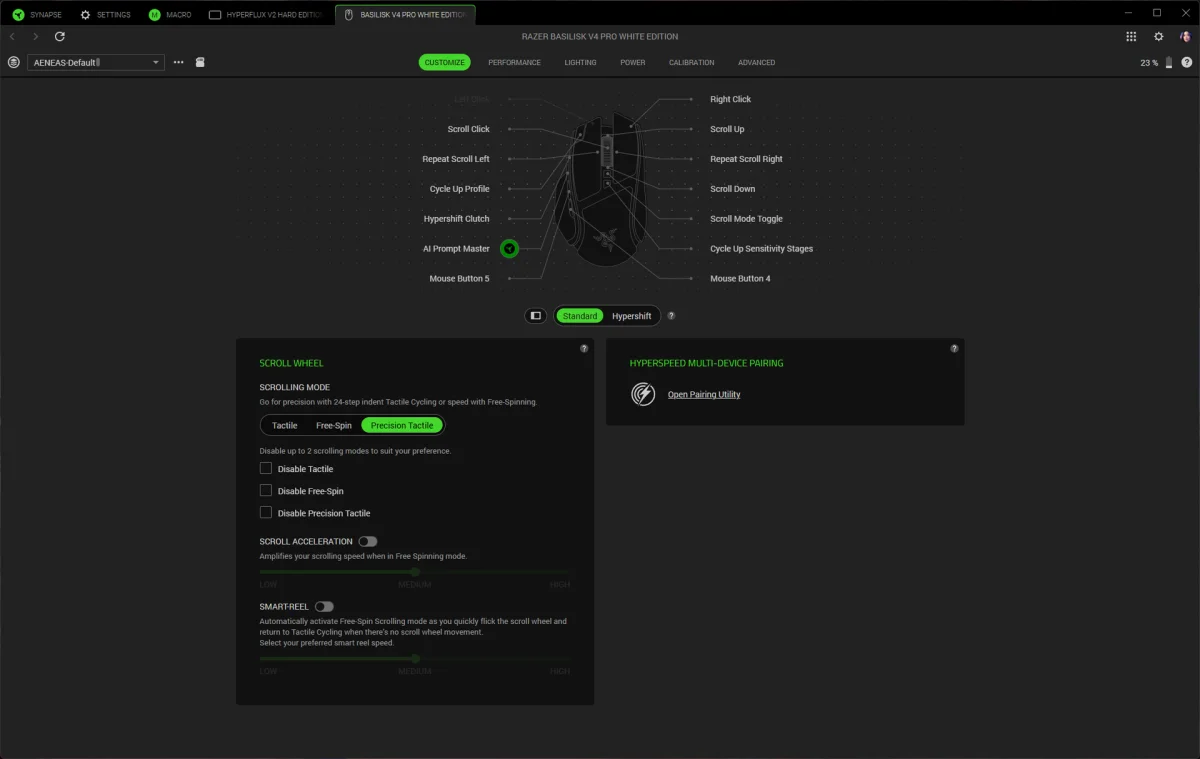
Razer has added two controls, bringing the total to 12 programmable buttons. The layout includes the main left and right buttons, three thumb buttons, a thumb trigger, a clickable tilt wheel with left and right inputs, two buttons above the wheel, and a button beside the left mouse button. The new forward thumb button opens Razer’s AI prompt by default; the added button near the left mouse button cycles profiles.
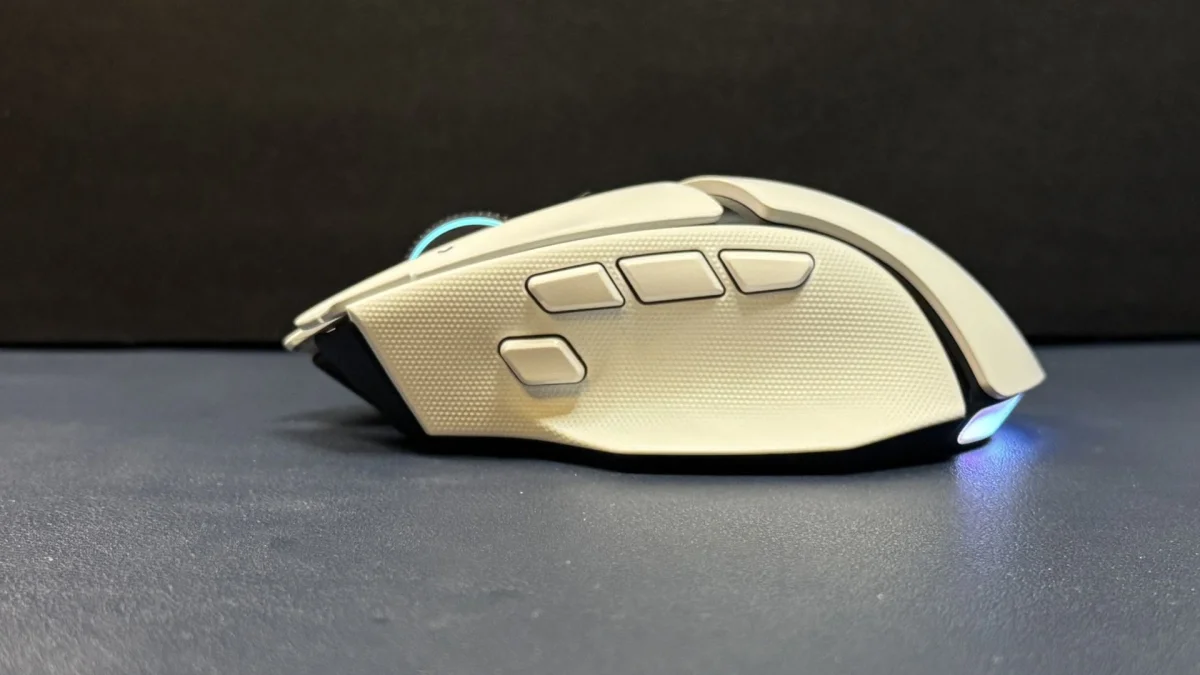
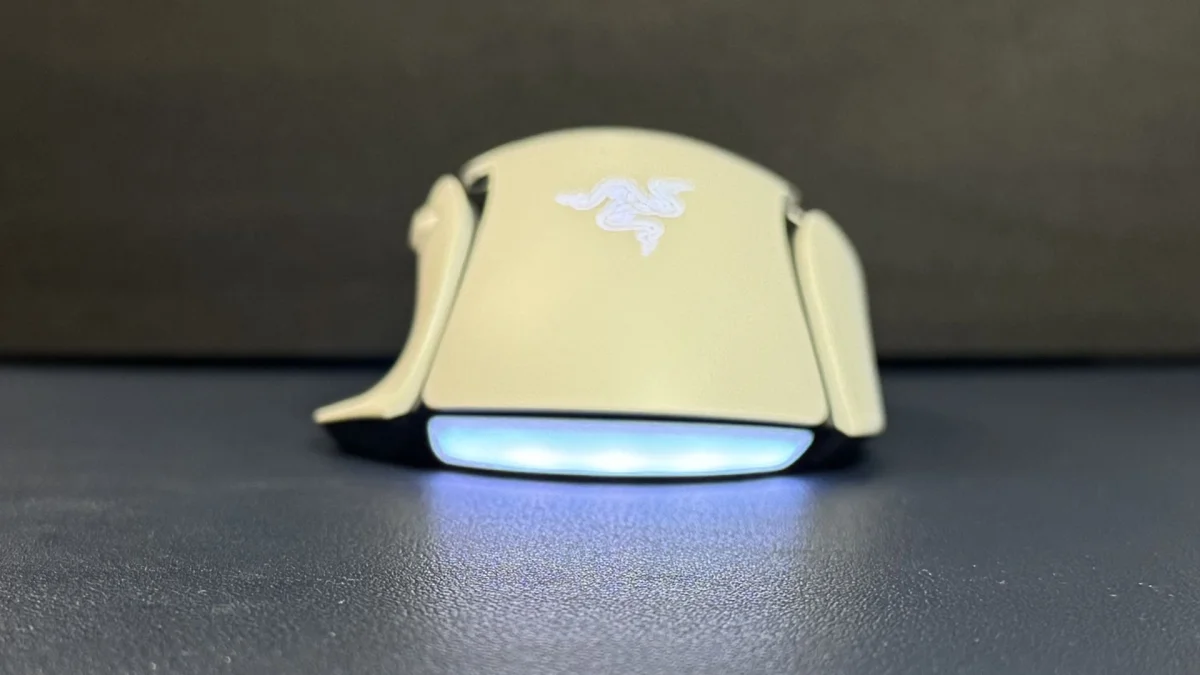
The extra button beside the left mouse button sits too far forward for comfortable use as a regular input, even with medium-sized hands and long fingers. It may be fine as a profile control, which many mice place underneath the shell, but it’s difficult to reach during play.
The third thumb button creates a broader layout problem. It sits in line with the other two and pushes them back, leaving the frequently used first thumb button farther from the thumb than is comfortable. Swapping the controls doesn’t fully solve it: the AI button itself is also awkwardly far forward. The mouse has room for three thumb inputs, but this arrangement makes all three feel slightly misplaced.
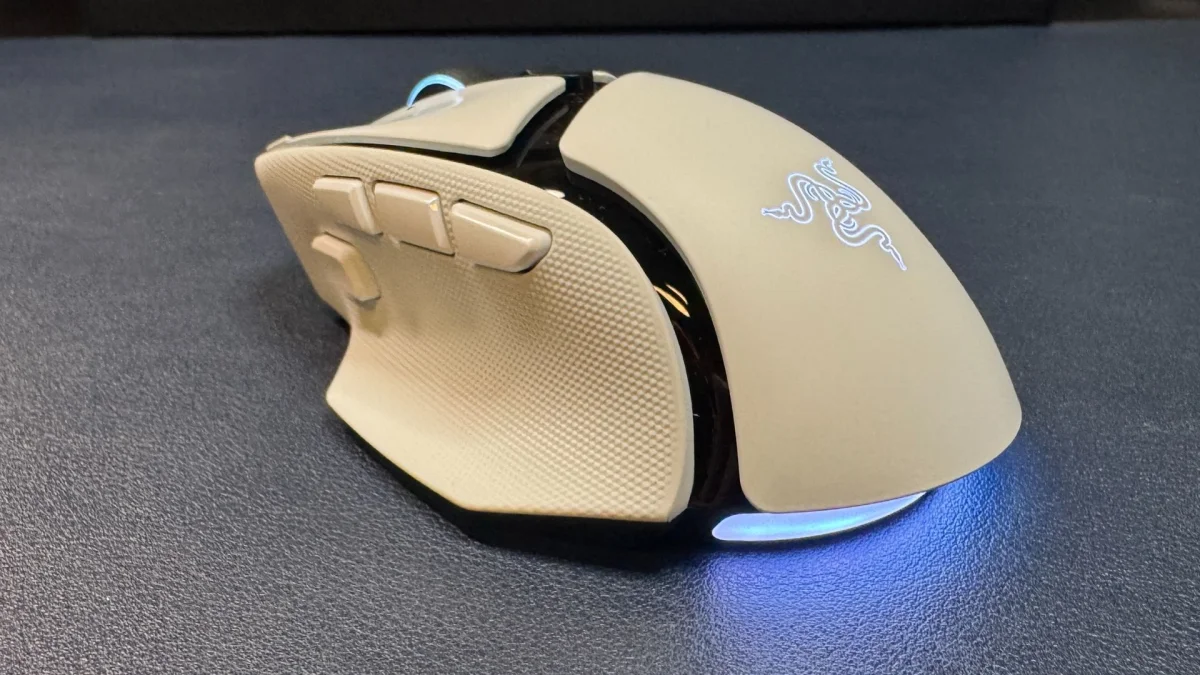
The wheel can switch between two stepped modes, with 24 or 48 increments, and a free-spin mode. Free spin is particularly sensitive: a light touch can make it scroll. The precision tactile setting is much easier to control, with a satisfying balance of speed and defined steps.
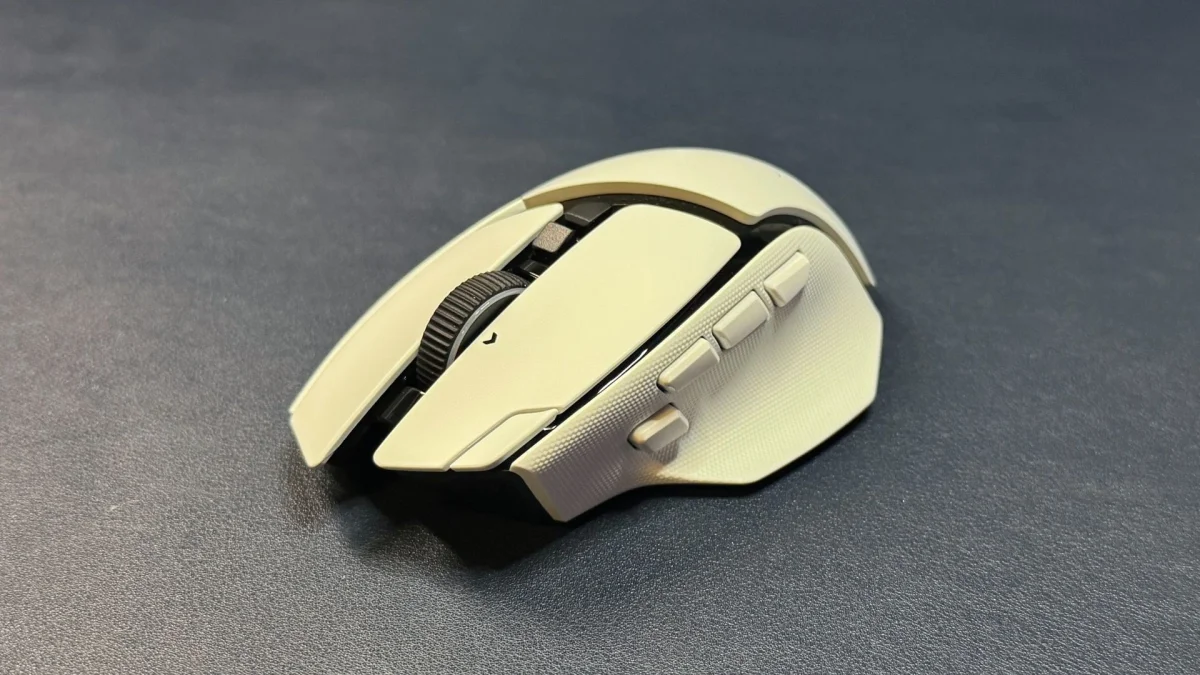
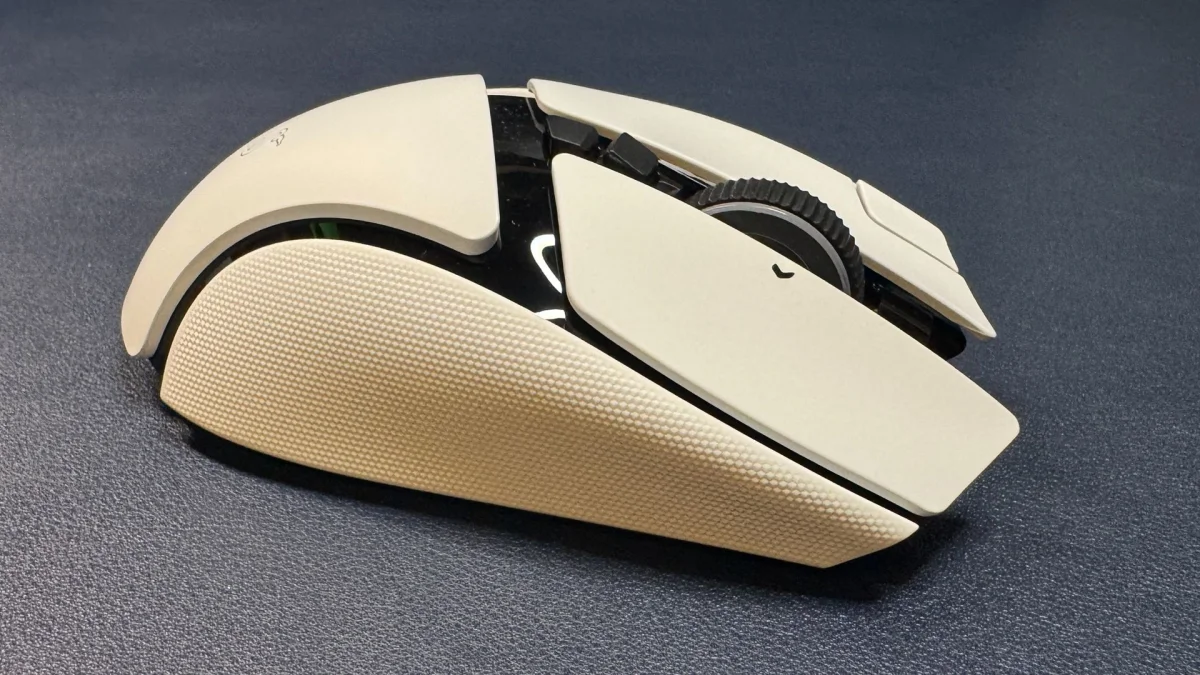
The built-in side grips feel useful, though the reviewer expects them to wear down as the V3 Pro’s did. There’s no grip tape in the box, so replacing worn surfaces would mean finding or making a solution yourself. The black V4 Pro weighs 100g, down from 112g for the V3 Pro 35K. That’s still well above an ultralight mouse, but the reduction makes the V4 easier to pick up and reposition.
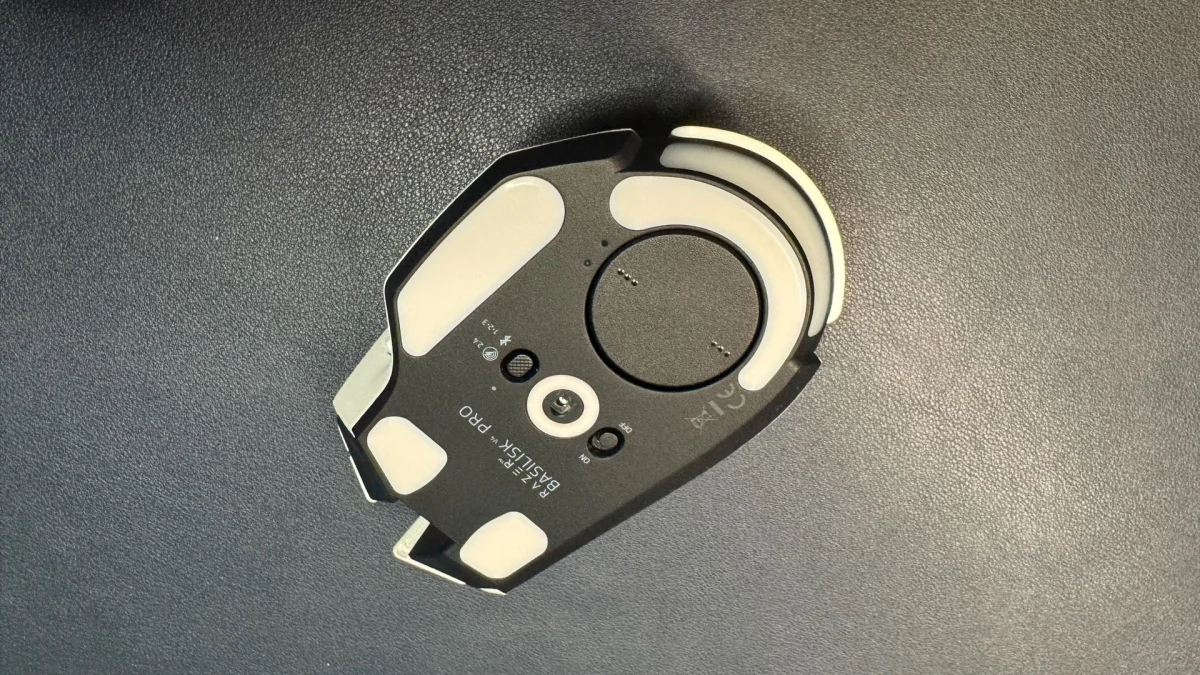
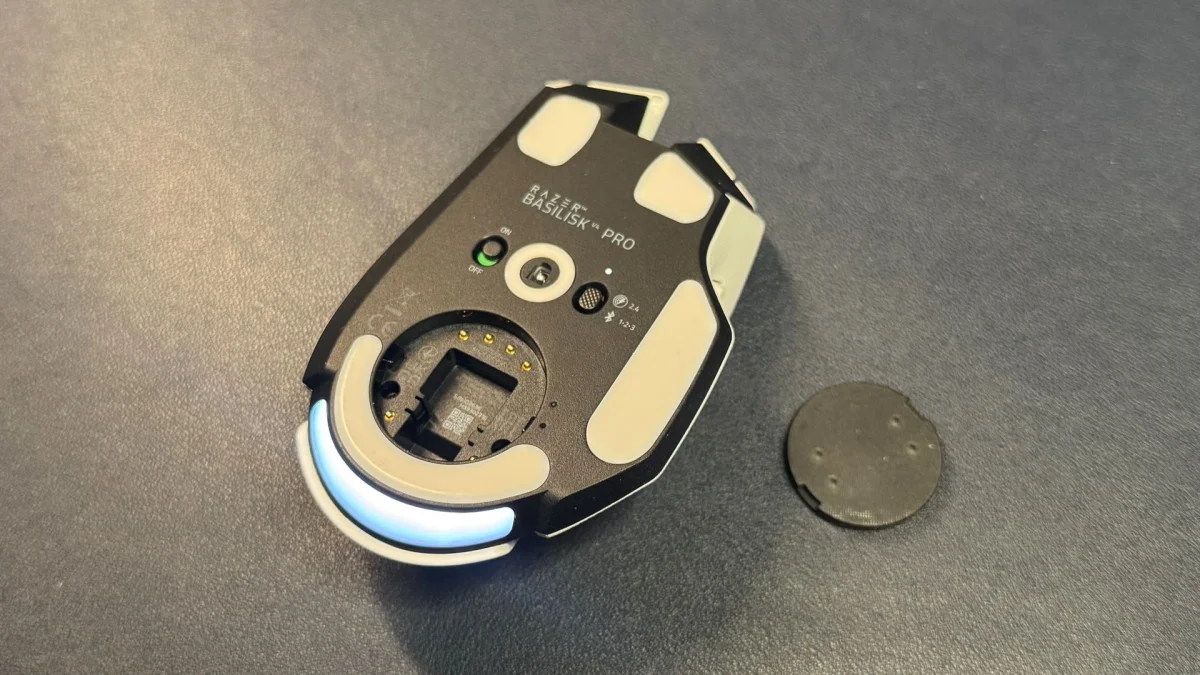
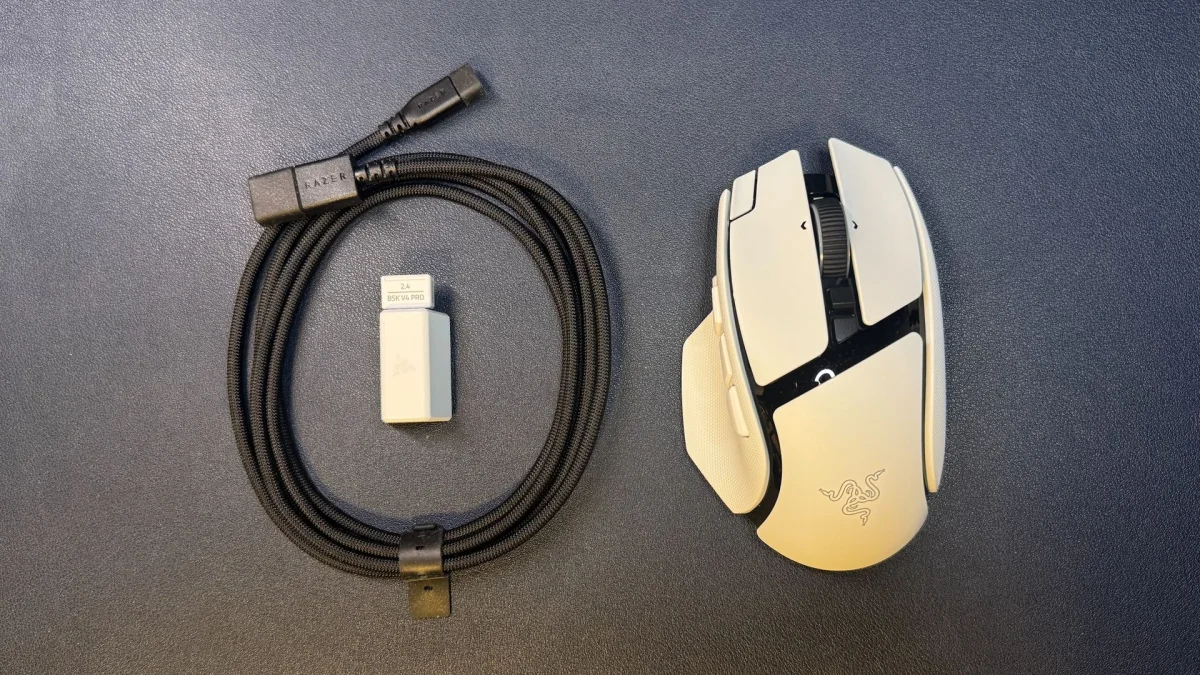
Four sections of pure PTFE feet, including a strip beneath the thumb rest and one around the sensor, sit on the underside alongside a power switch and a connection switch. The latter can’t be programmed. In the box, Razer includes a USB-A receiver, a USB-A-to-USB-C adapter and a six-foot (2m) braided USB-C-to-USB-A cable. That cable is for charging and connecting the receiver; it isn’t designed for comfortable wired mouse use.
Sensor and controls for varied games
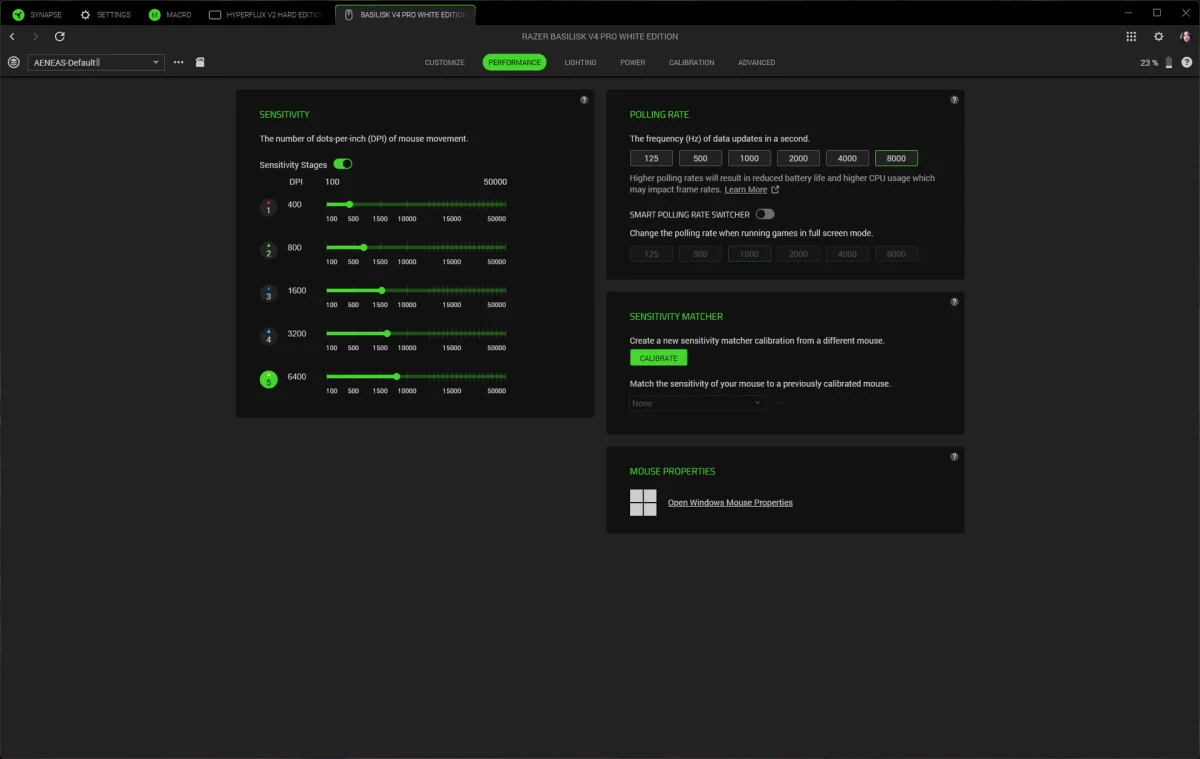
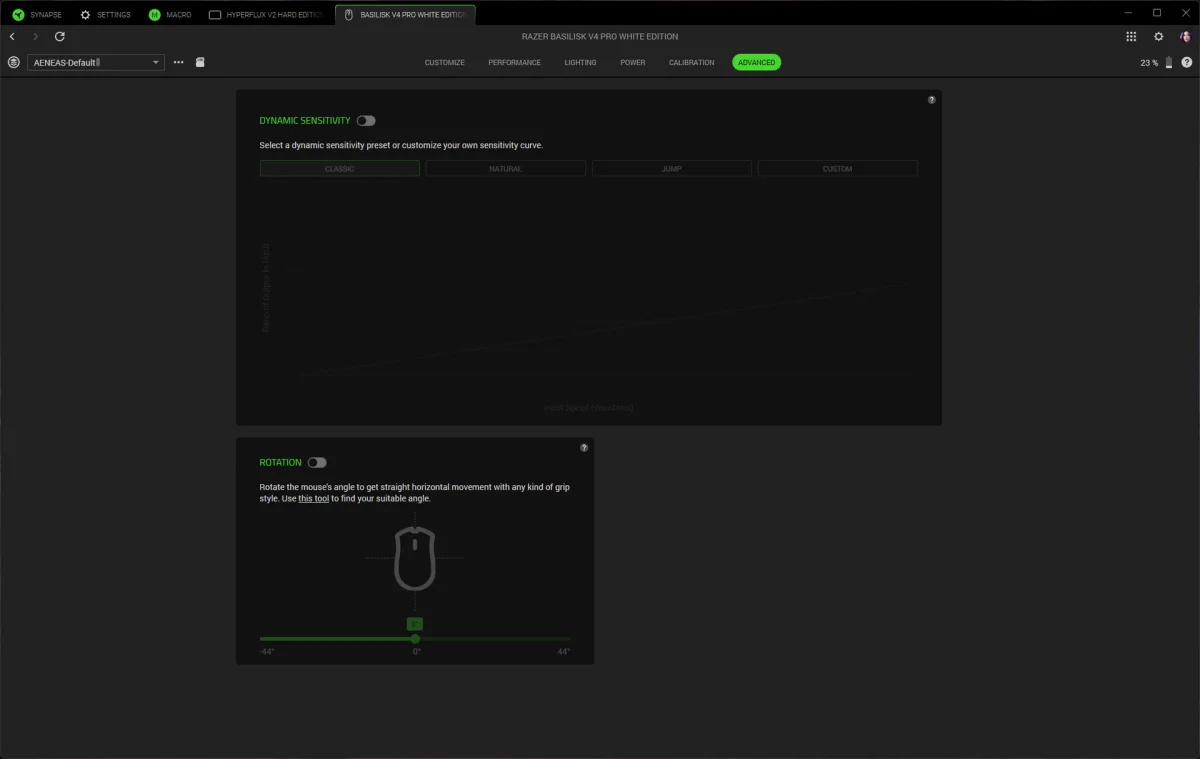
The Focus Pro 50K Gen-3 sensor supports a maximum sensitivity of 50,000 DPI, a top speed of 930 inches per second and acceleration up to 90 G. It tracks across a range of surfaces, including glass at least 4mm thick. Razer’s Synapse software also supports dynamic sensitivity, which adjusts sensitivity based on how quickly the mouse moves, and a rotation tool for tuning the sensor’s orientation.
The shape and grippy sides make the 100g mouse manageable in fast-paced games, including first-person shooters. The thumb trigger is easy to reach, but players who lift their mouse often may activate it accidentally. The Basilisk’s fit doesn’t feel as natural as the DeathAdder V4 Pro’s to this reviewer, yet it remains comfortable across genres, from games that benefit from extra inputs to shooters where quick movement matters. It offers more controls than a simple gaming mouse without approaching the Naga V3 Pro’s 19-button layout.
Razer’s Gen-4 optical switches are rated for more than 100 million clicks. Their crisp sound is audible, though the reviewer found it less loud than Logitech’s switches. The main buttons feel tactile and solid, with no misclicks or double-clicks during testing. Players who want quiet clicks may prefer another option.
Software, lighting and connectivity
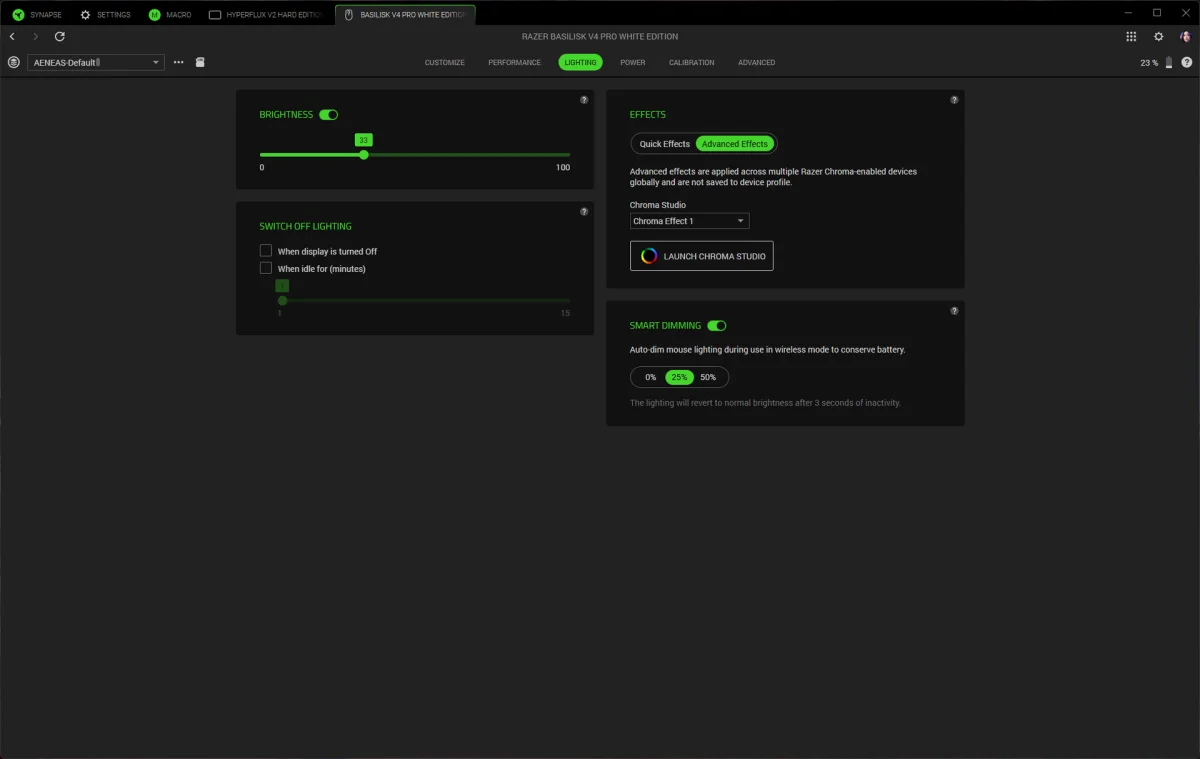
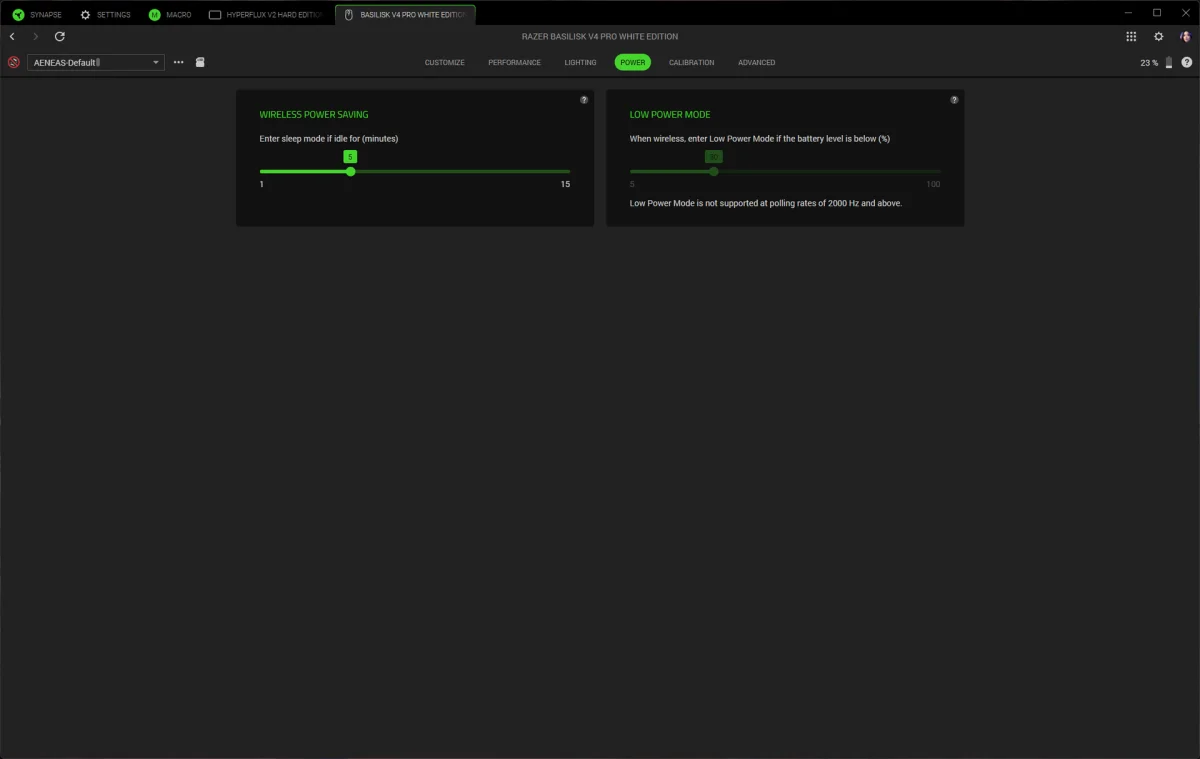
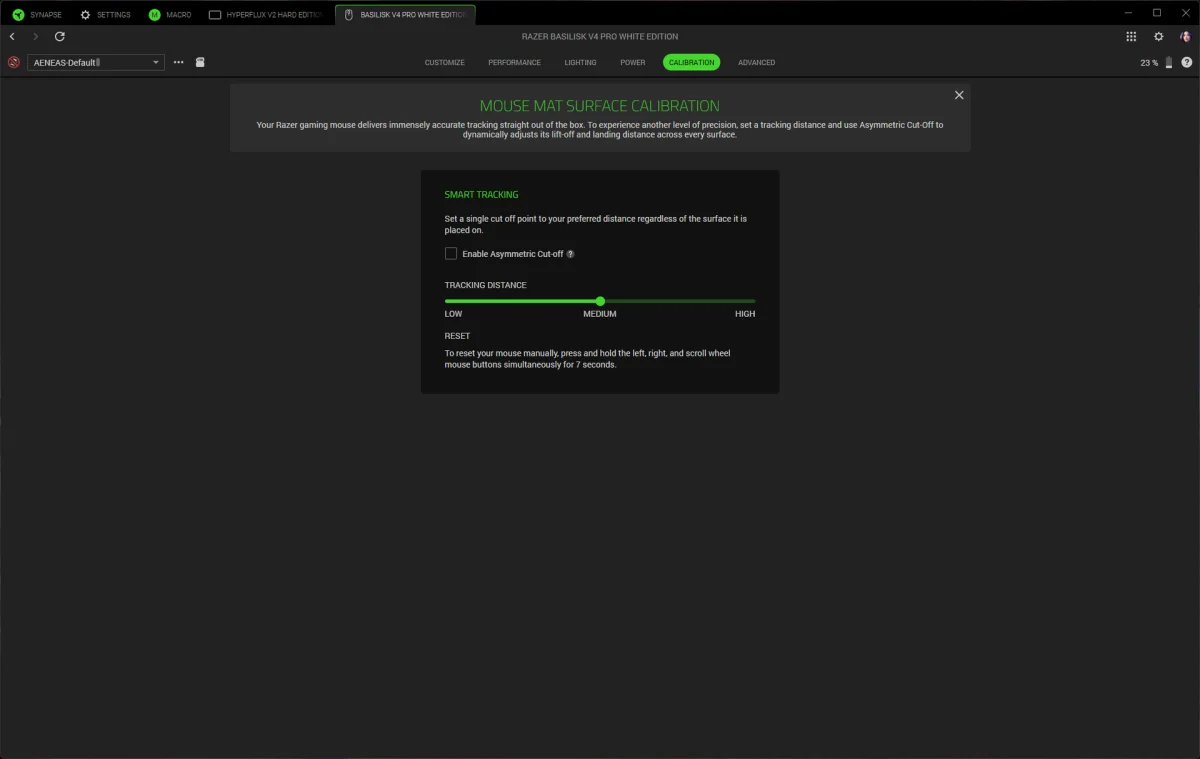
Configuration requires Razer Synapse 4, rather than the company’s web-based Synapse option. The software can remap the 12 buttons and scroll inputs, record and edit macros, configure DPI stages and adjust the wheel. Surface calibration and a sensitivity matcher, which helps carry settings over from an older mouse, are also available.
The mouse has seven RGB zones: five along the underglow strip, one in the scroll wheel and one in the palm-rest logo. Razer Chroma Studio controls the effects and can sync them with games or other Razer devices. The underglow is visible from the side while the mouse rests on a desk, and its five sections blend into a continuous strip.
Connection options include 2.4GHz wireless, Bluetooth and USB-C. Razer rates battery life at up to 200 hours over 2.4GHz with a 1,000Hz polling rate, up from 150 hours for the Basilisk V3 Pro 35K. At 8,000Hz, the stated figure drops to 54 hours. Both estimates make the V4 Pro usable for extended stretches, though running at the highest polling rate cuts battery life considerably.
Razer also introduced the Mouse Dock V2 Pro alongside the mouse. It costs $69.99 and combines wireless charging, an 8,000Hz receiver, a magnetic dock and eight RGB zones around its base. The dock measures 3.28 x 2.2 x 1.71 inches (83.5 x 56 x 43.5mm), and its lighting indicates charge level, flashing red when the battery is low. A charging puck fits into the mouse’s underside.
The dock is designed for the Basilisk V4 Pro and V4 HyperSpeed, and also works with the Basilisk V3 Pro 35K, Basilisk V3 Pro, Cobra Pro, Cobra HyperSpeed, Naga V3 Pro and Naga V2 Pro. It supports polling rates up to 8,000Hz for those models except the Naga V2 Pro. The V4 Pro can also charge on Razer’s HyperFlux V2 mouse pad; reaching 8,000Hz polling with that setup requires connecting to the PC through the mouse’s receiver.
Verdict
The Basilisk V4 Pro is a measured update to the V3 Pro family. The improved battery rating, lighter weight and new sensor strengthen a design that already suits players looking for a comfortable, versatile mouse. Its 100g weight and right-handed shape won’t suit everyone, and the awkward thumb controls undermine the value of the extra buttons—especially the AI prompt, which takes space without offering a clear benefit to this reviewer.
At $169.99, the V4 Pro makes the most sense for players who want more controls and a more colorful design than a DeathAdder V4 Pro, without moving to the heavier, more button-dense Naga V3 Pro. The optional dock adds convenience and a high polling rate, but raises the total cost by $69.99. For most users, the core mouse’s improved endurance and familiar handling are the stronger reasons to consider the upgrade.